homelab management with labman
Recently I decided to try and throw together a one stop shop for managing frequently performed actions in my homelab. The goal was to enable me to faster create VMs, test software, rip them down, and rebuild. This is where I started with LabMan - HomeLab Manager.
It is very alpha. Very very alpha. It consists of 2 components: a Rails application that handles background jobs and the web UI, and an agent written in Go that runs on the servers and checks them in while providing some general info such as installed packages.
At a glance features:
- Create new VMs
- IPAM
- Execute workflows against hosts
- Host monitoring
- Host firewall management
- DNS management
- Network device configuration
- Network visualization
- Alerting
- Service monitoring
Picture Walkthrough
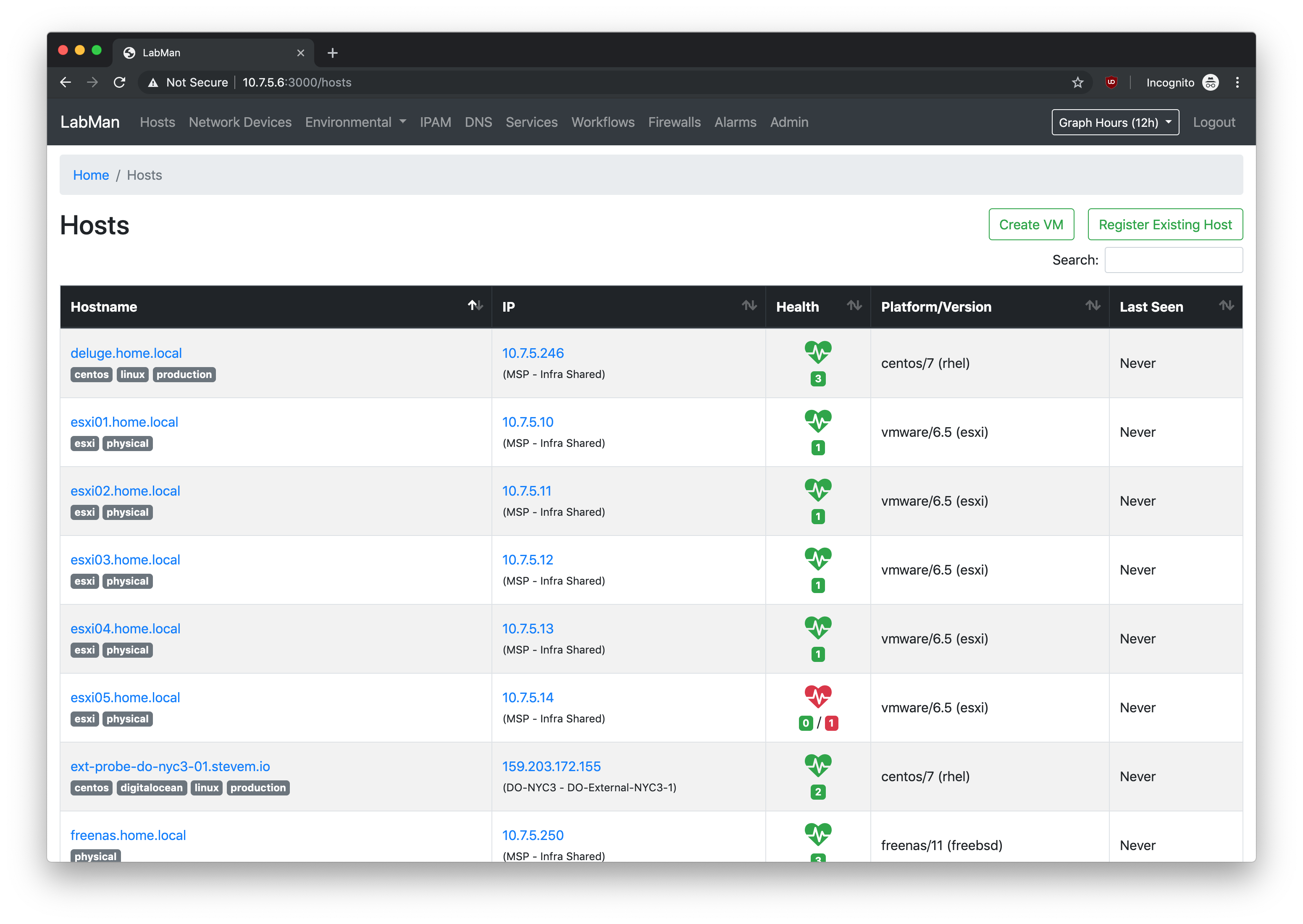
Hosts View
Shows hosts in the lab, a glimpse of their health, IP, and when the labman agent last checked in (WIP).
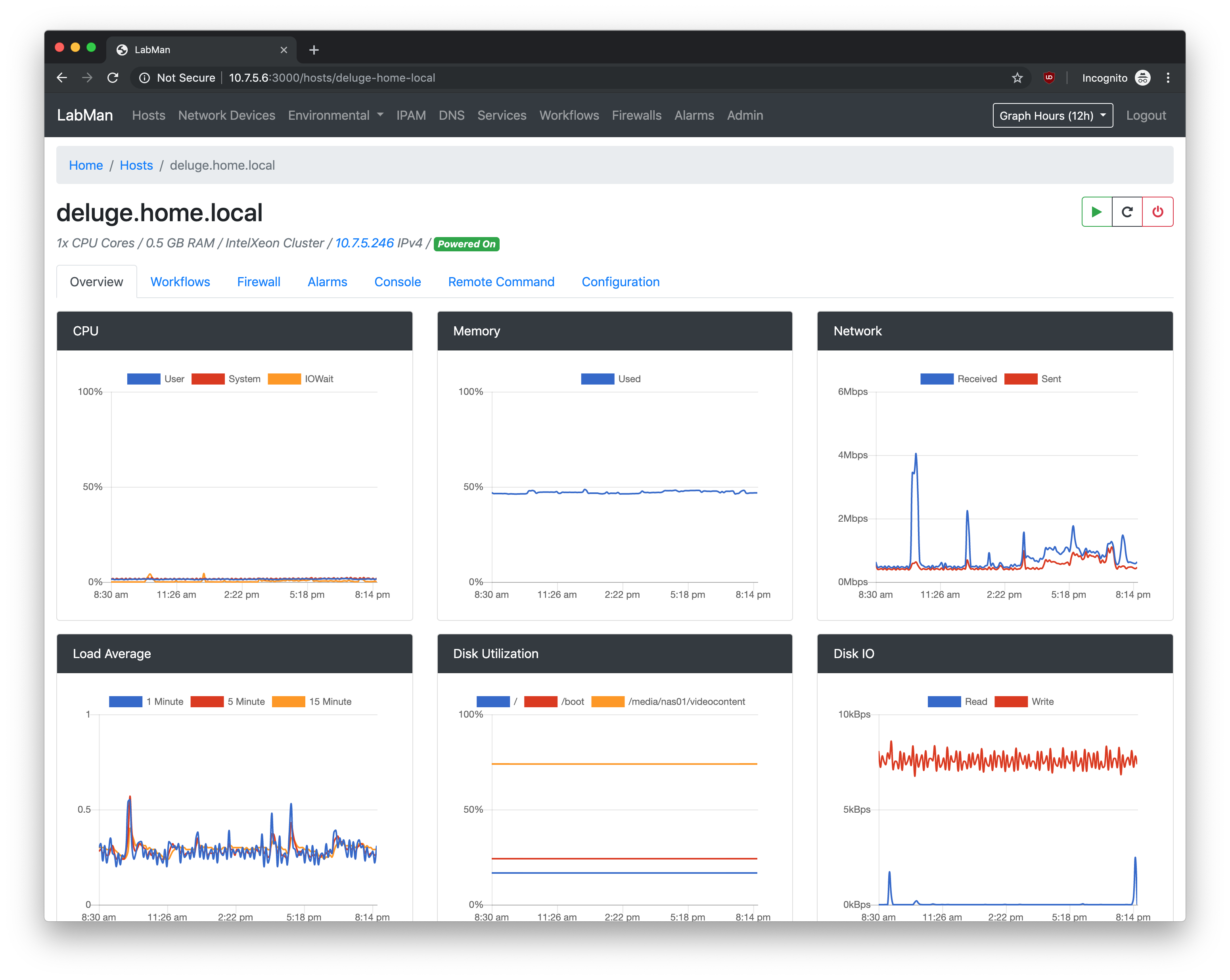
Single Host View - Dashboard
This view allows you to see a dashboard with some metrics about a given host (CPU, RAM, Network, etc)
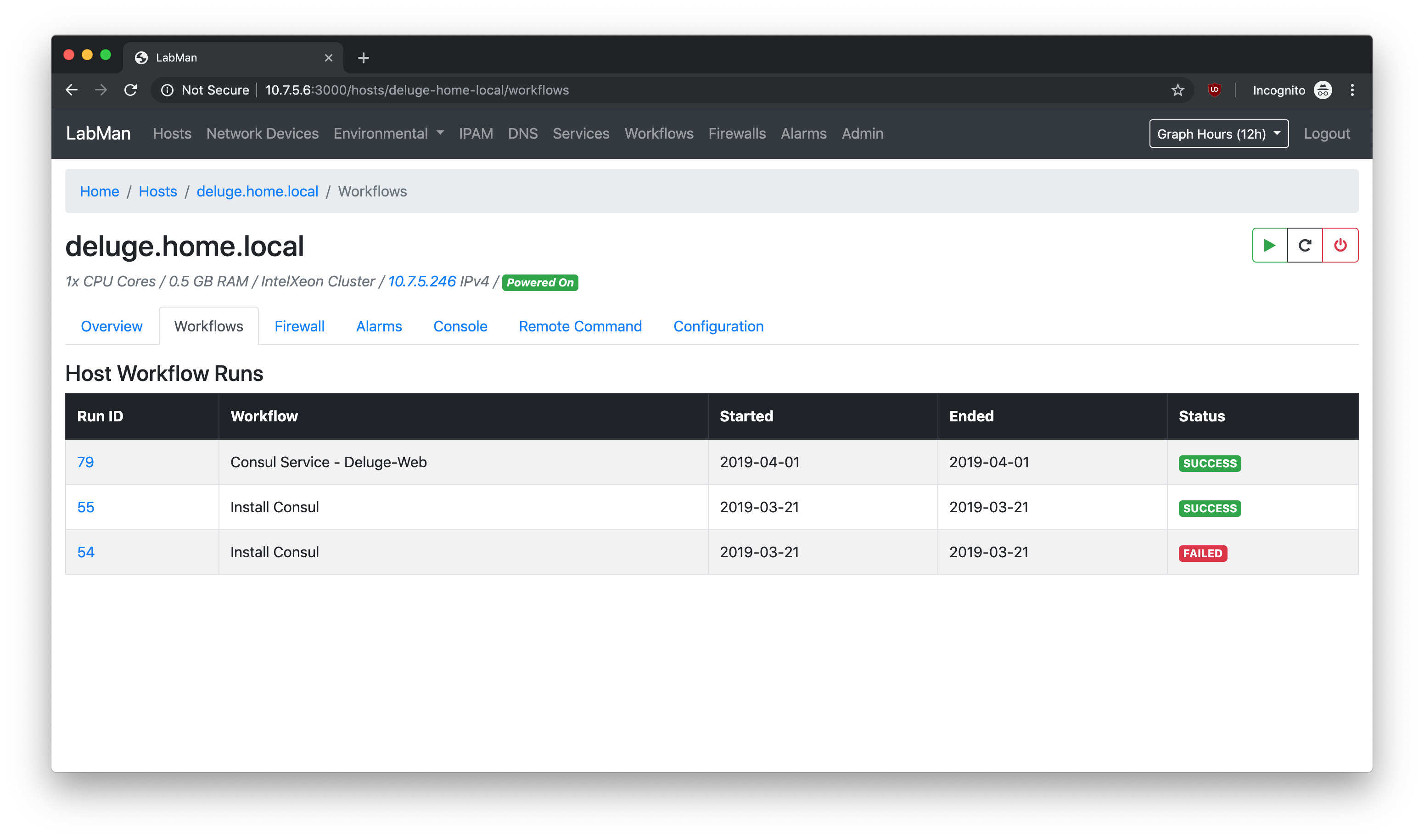
Single Host View - Workflow
Shows information about workflows that have run against this host (more on that later).
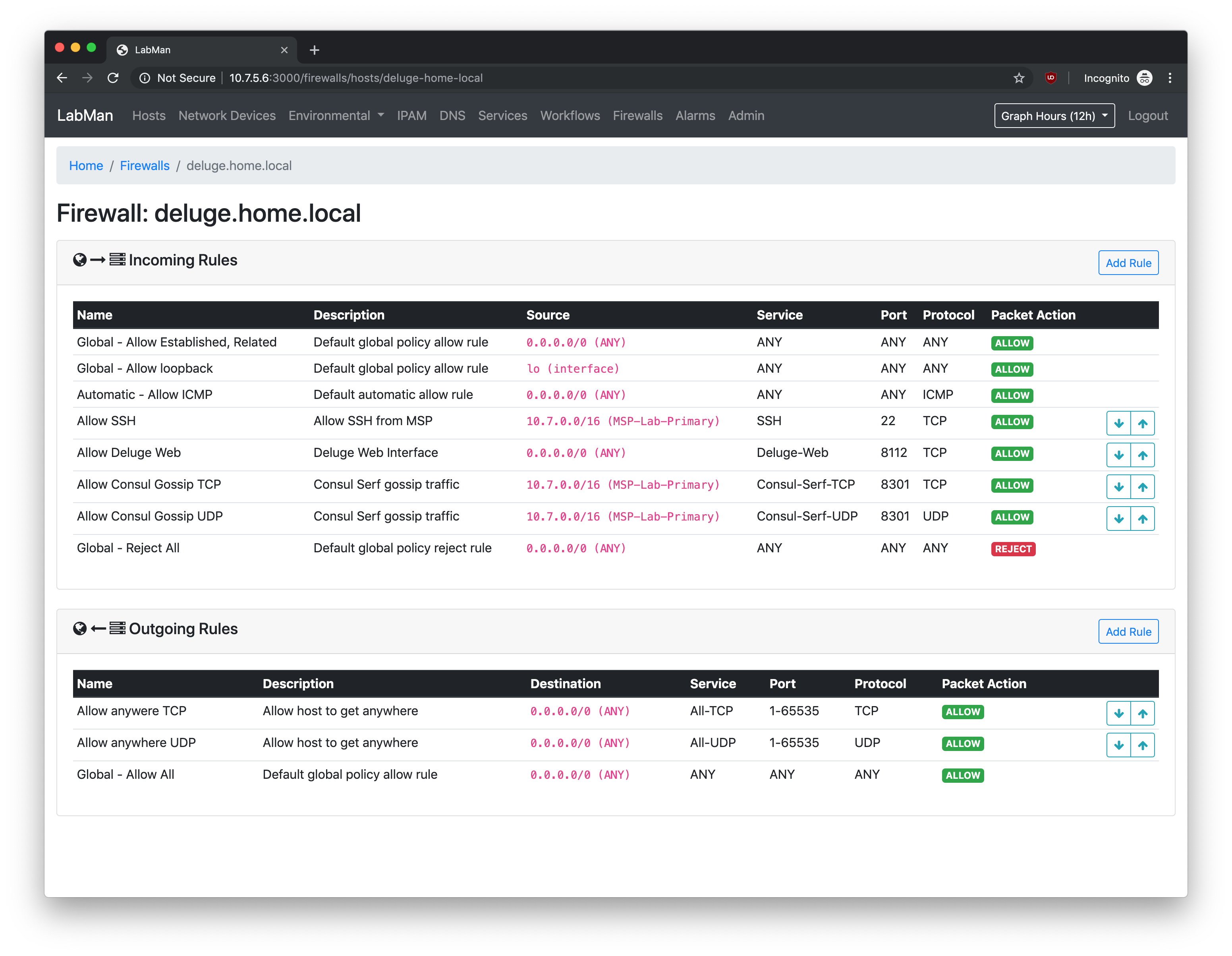
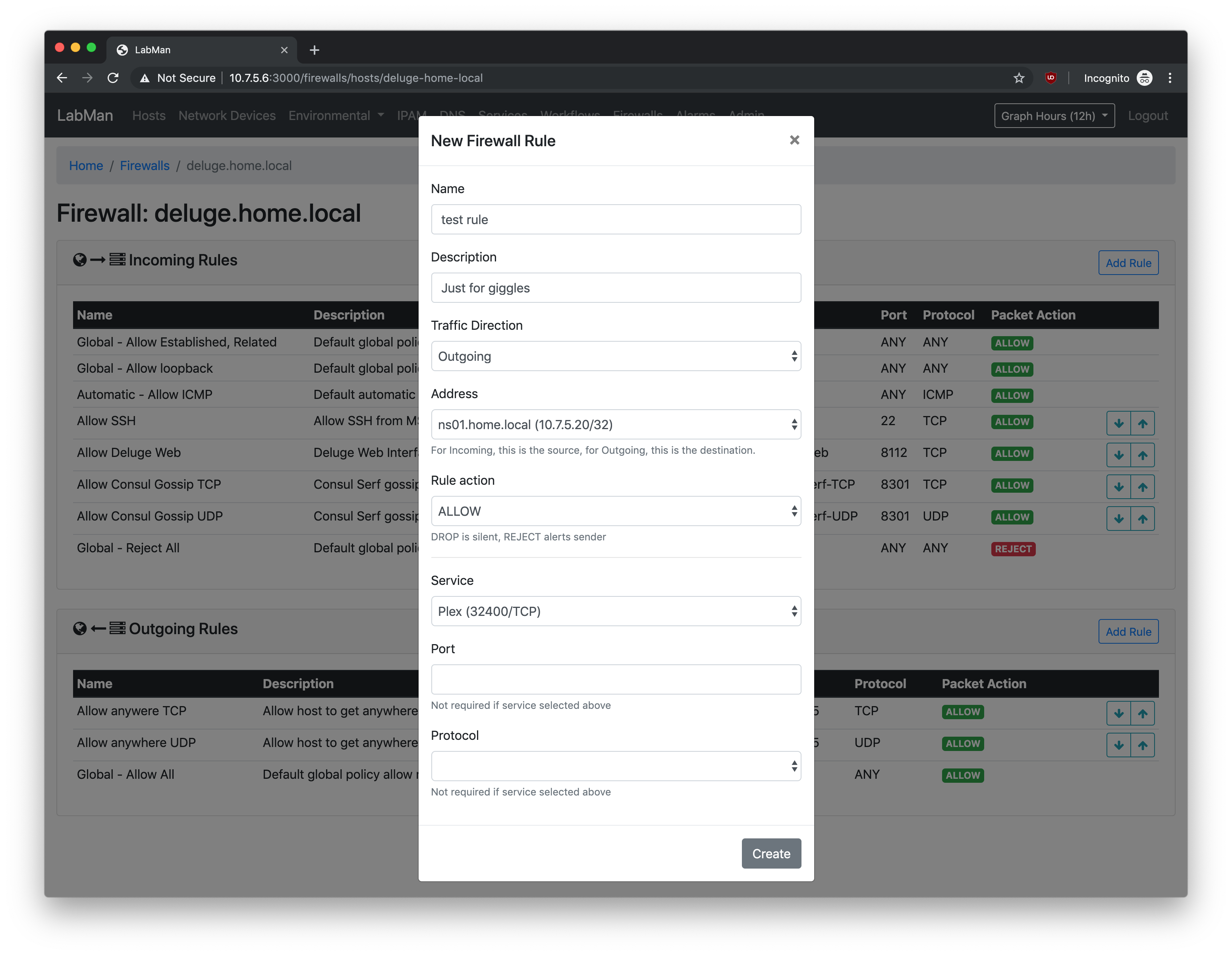
Single Host View - Firewall
Allows you to visually manipulate firewall rules which apply to this host.
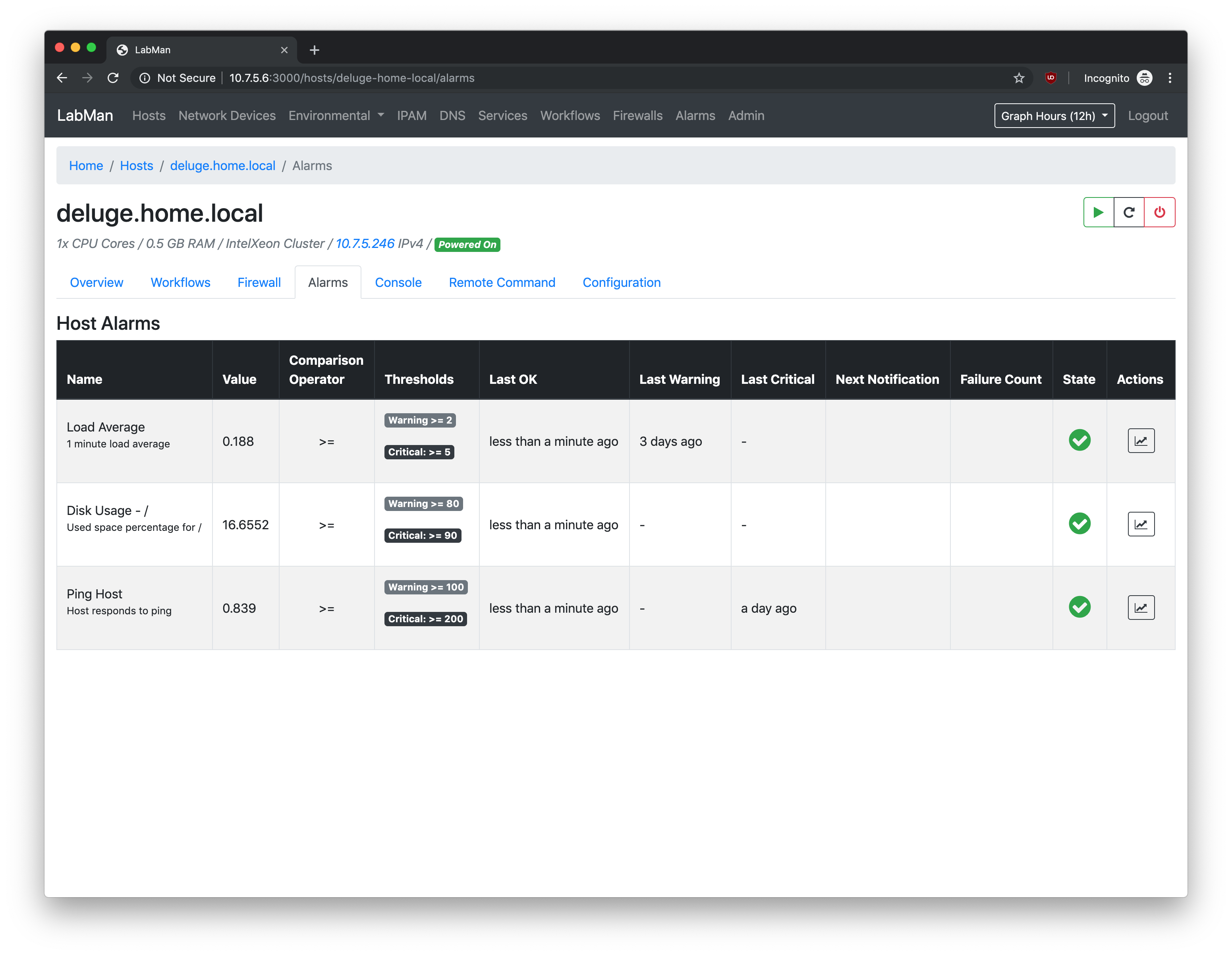
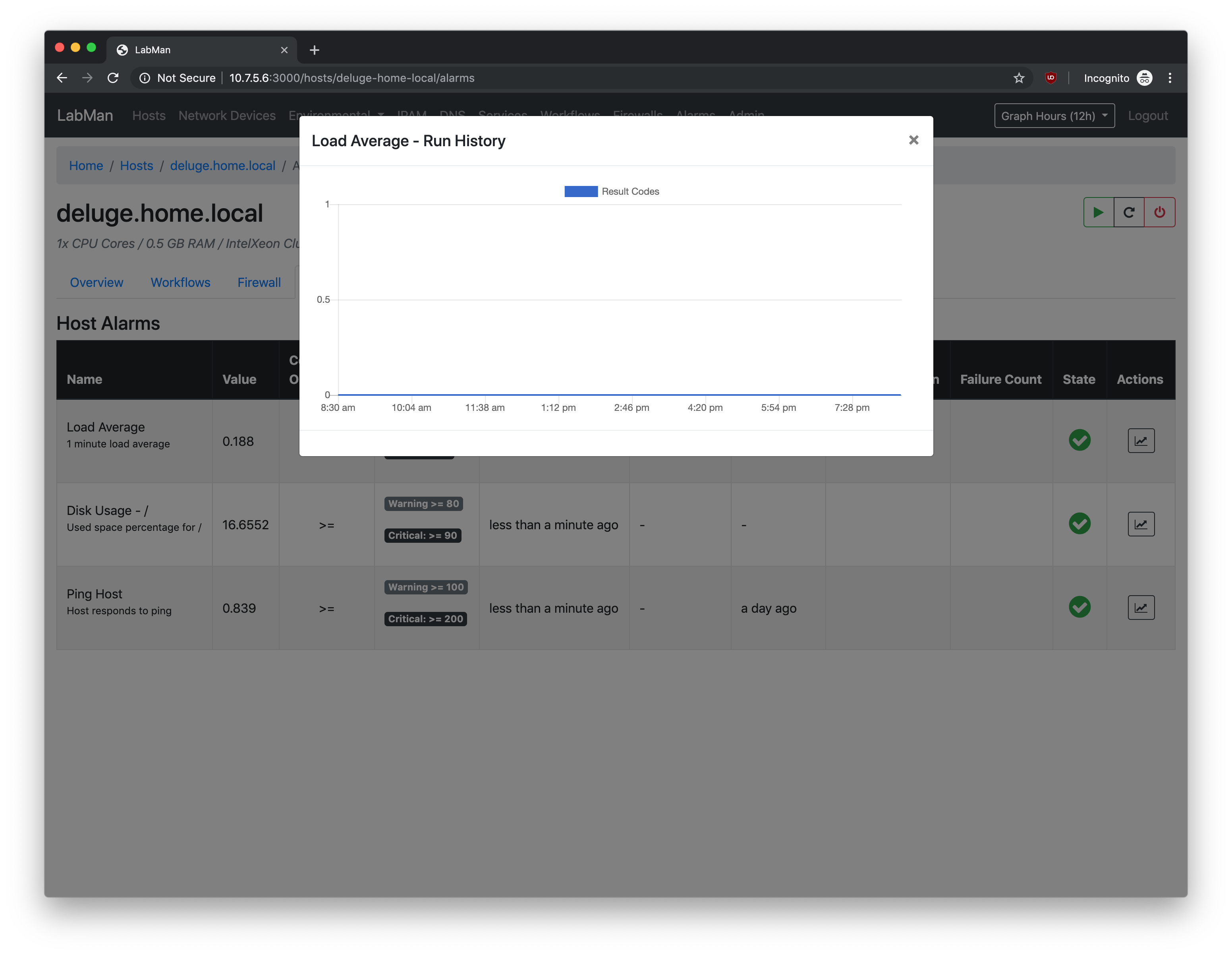
Single Host View - Alarms
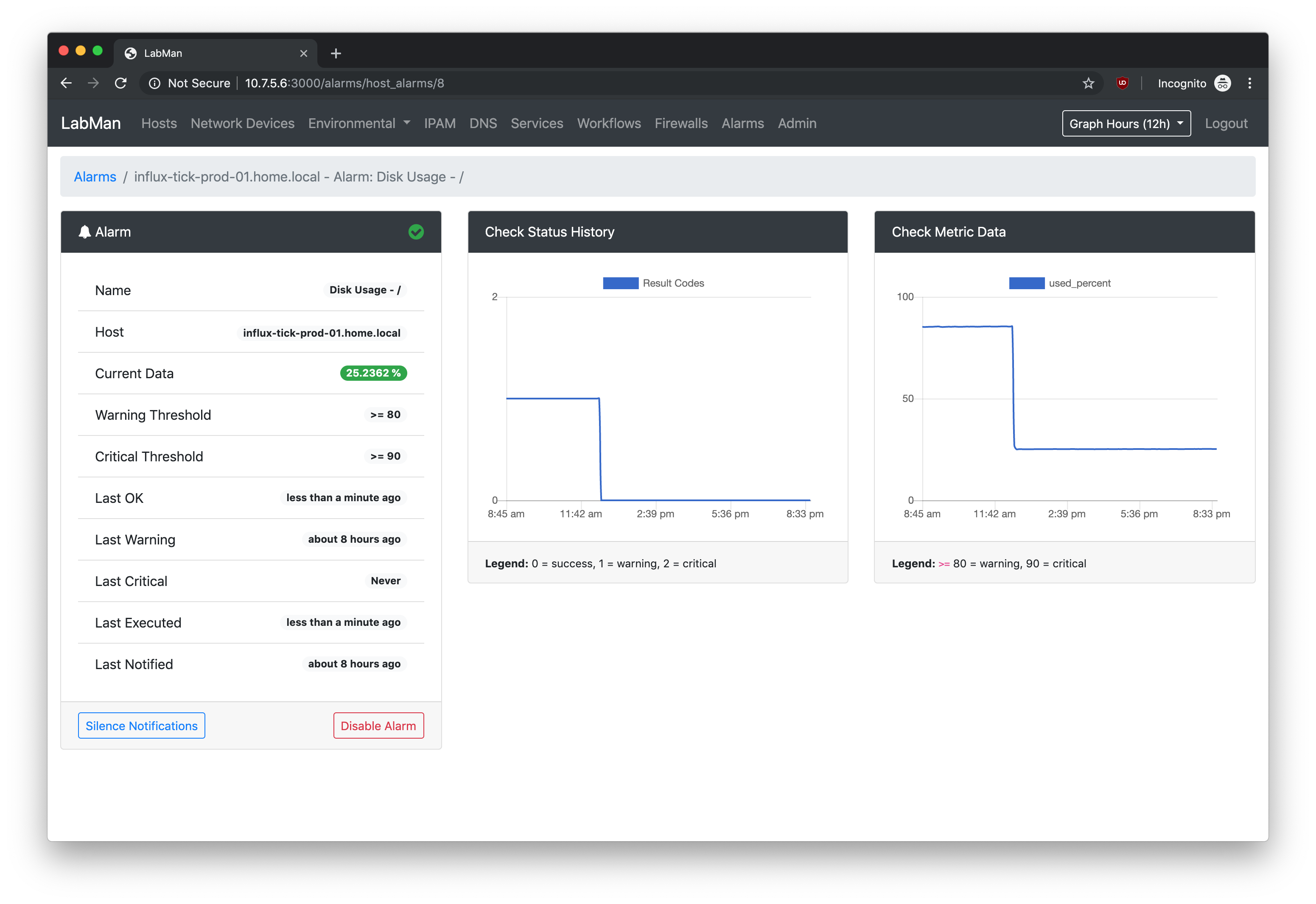
Shows alarms running against this host, their current status, and exit codes from alarm runs (0=ok, 1=warning, 2=critical)
Alarm notifications are sent through slack.
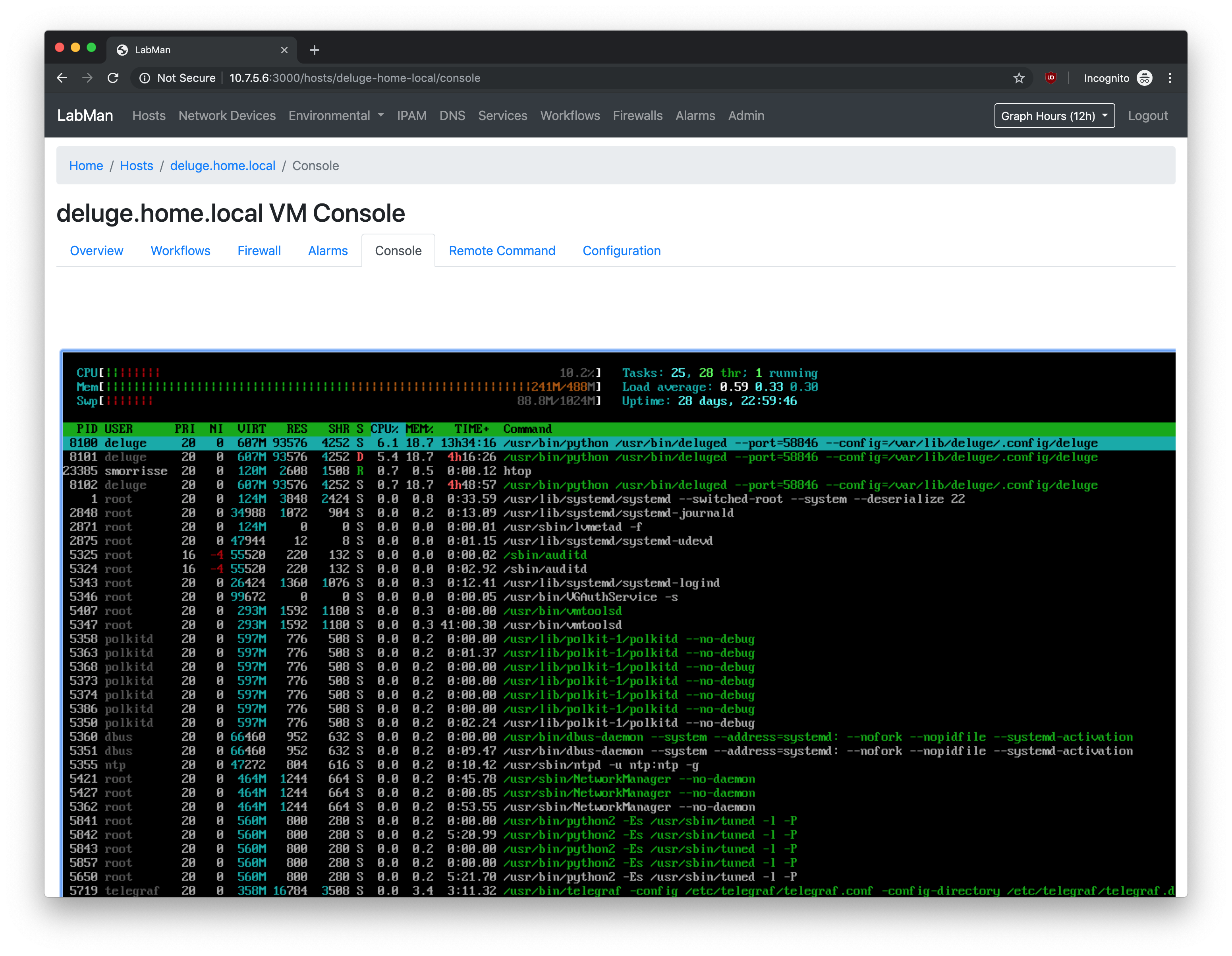
Single Host View - Console
Access a VMware Console view to interact with VMs having network issues, etc. HTML5
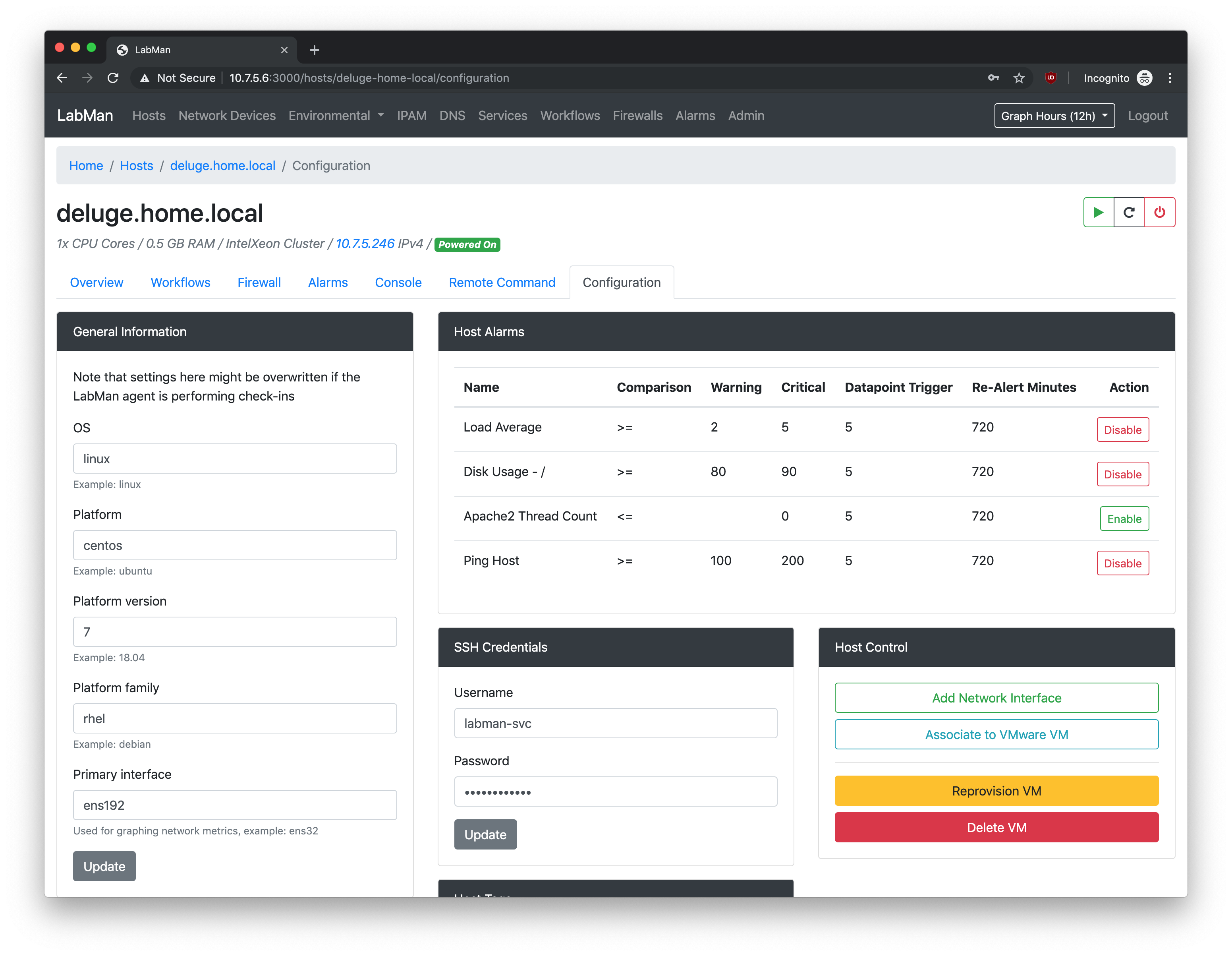
Single Host View - Configuration
Enable/disable alarms, set SSH access information, and even reprovision or deprovision the VM.
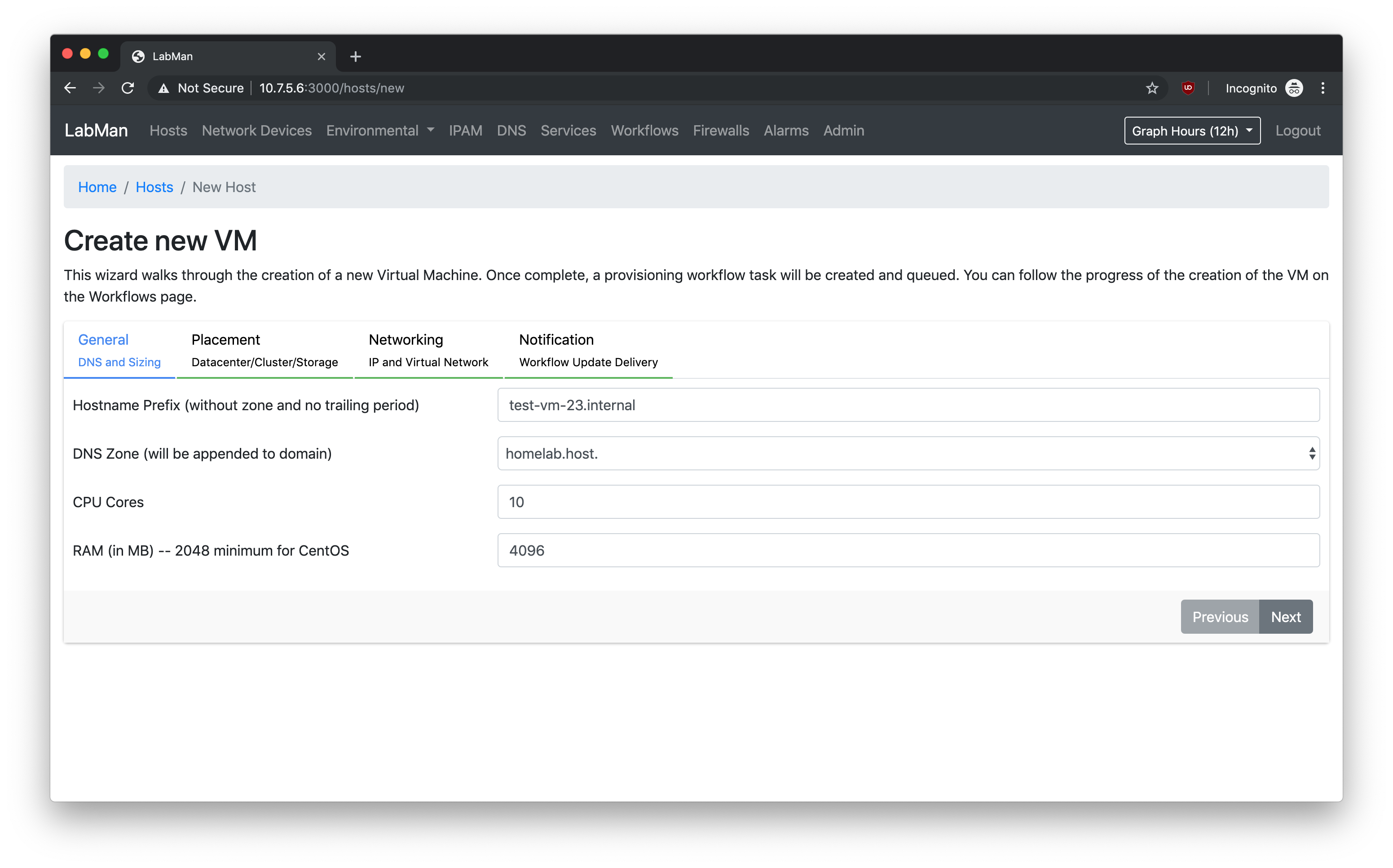
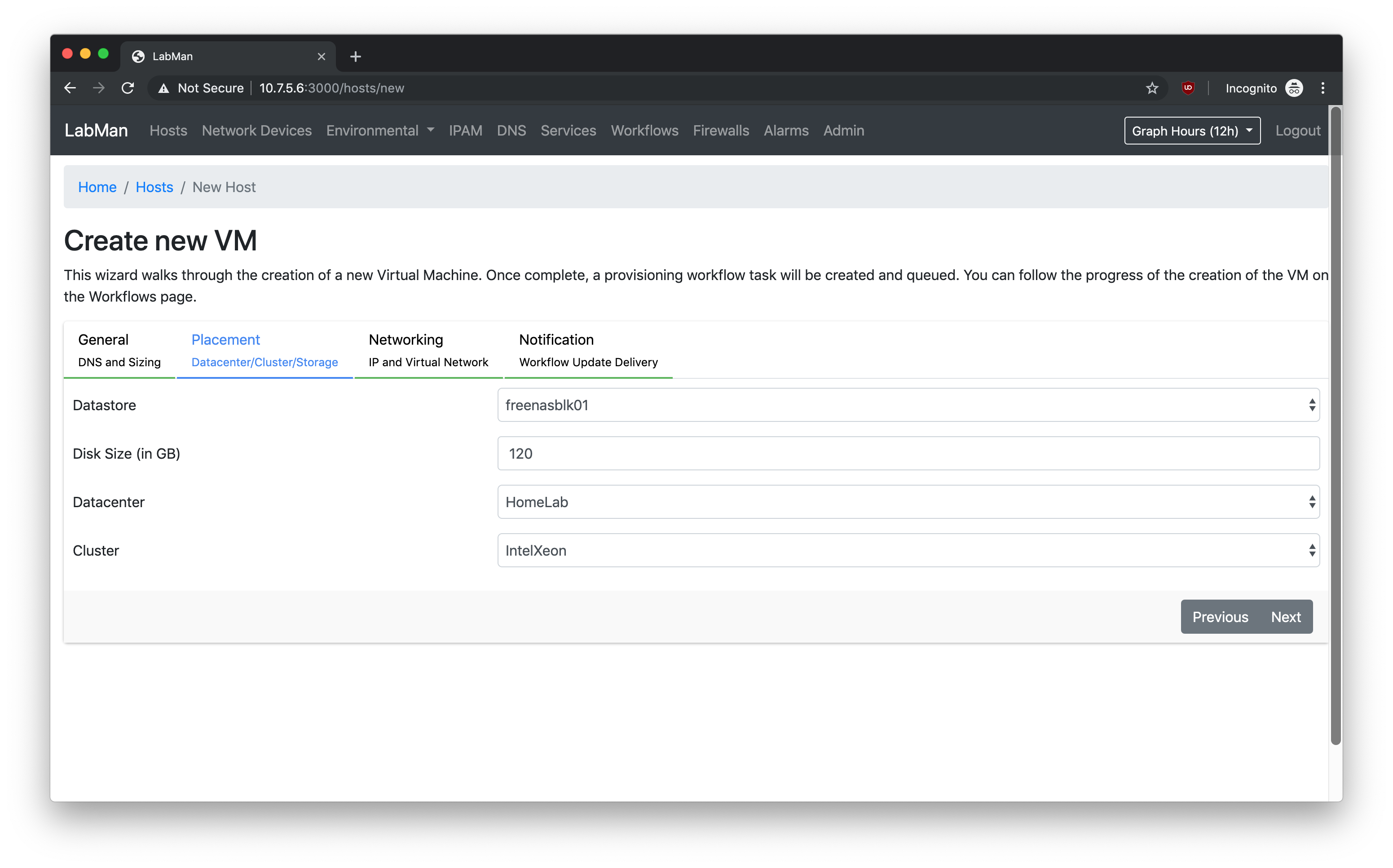
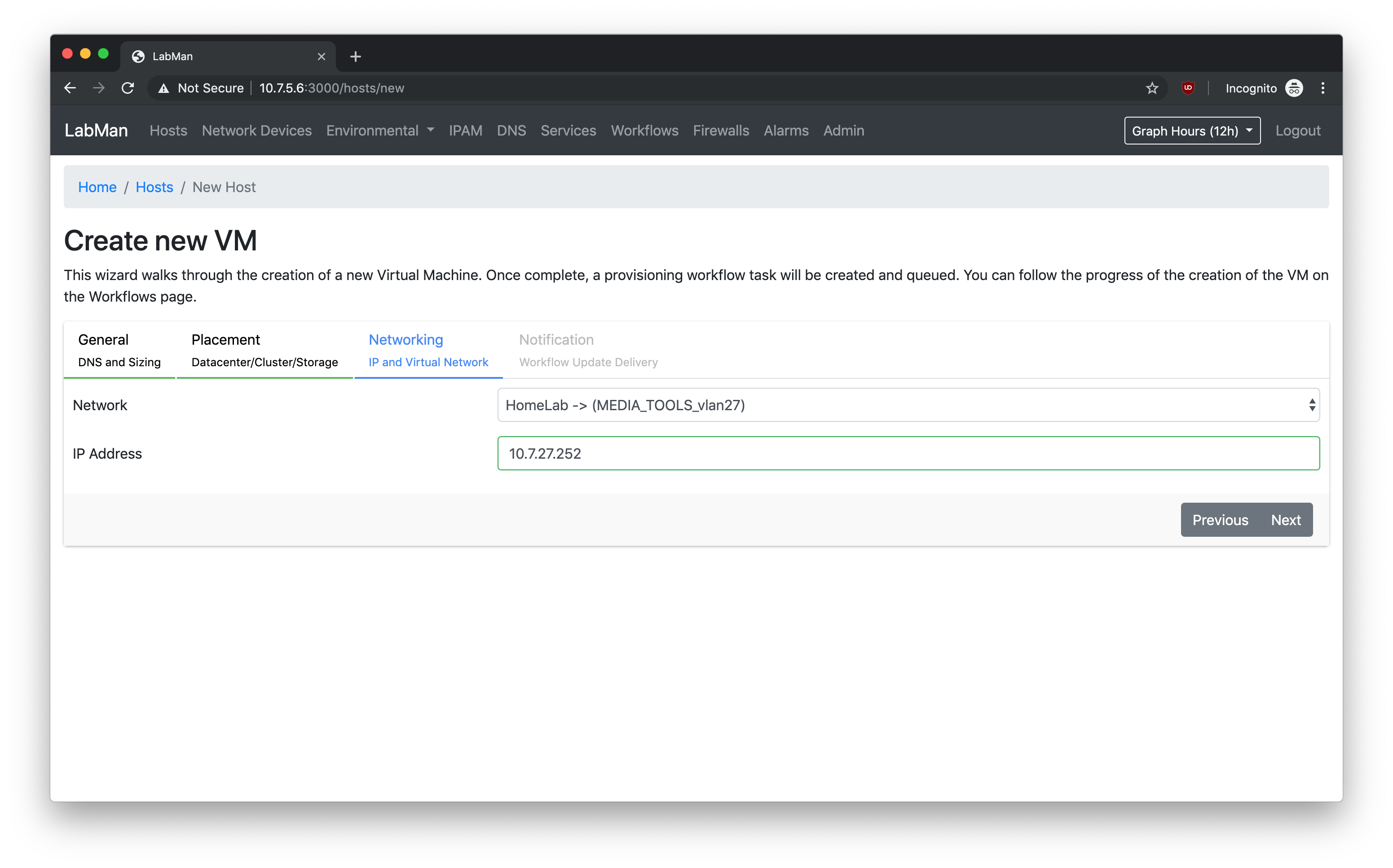
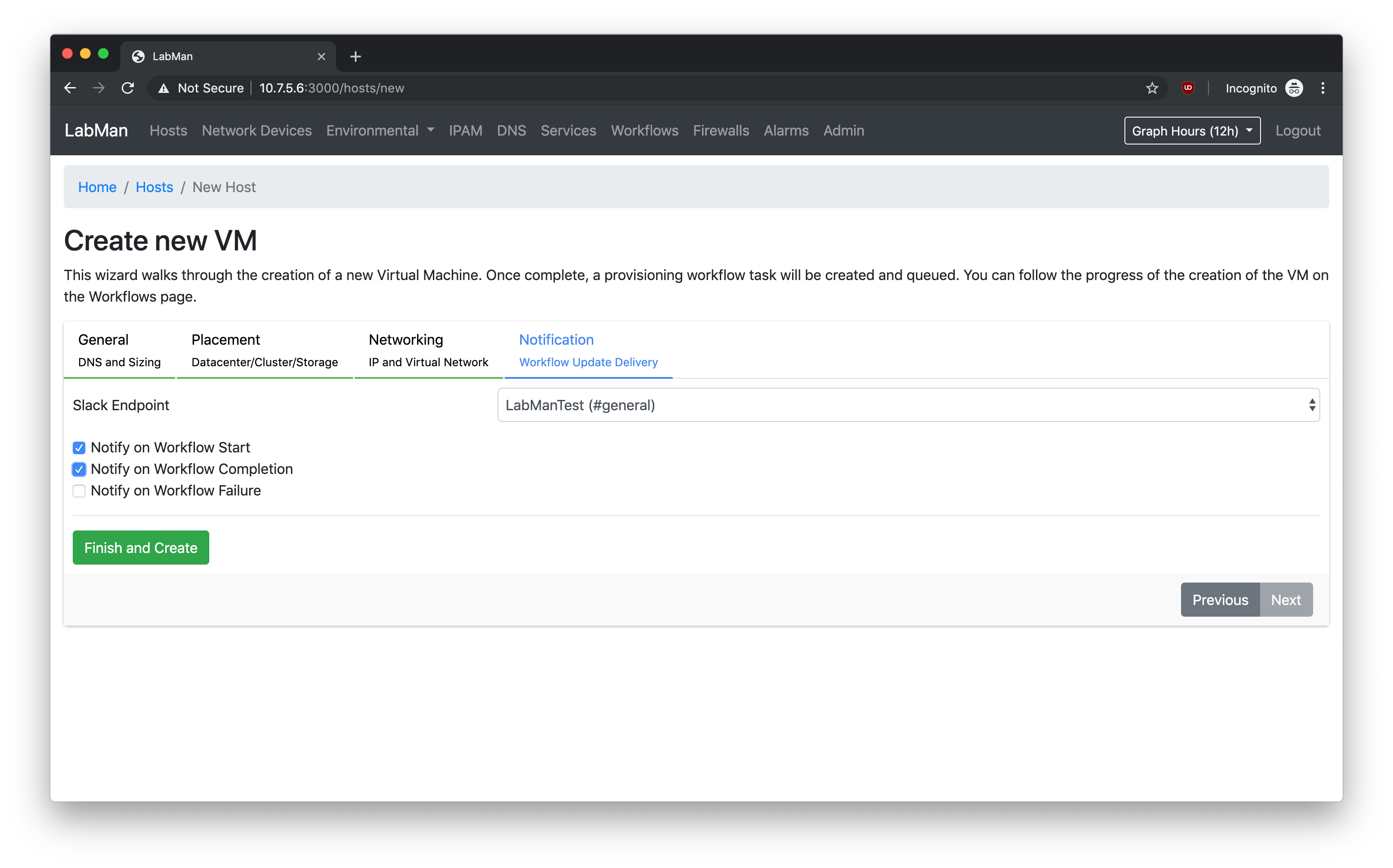
Create a new VM
Wizard walks through VM creation and kicks off a provisioning workflow (more info later).
Network Devices
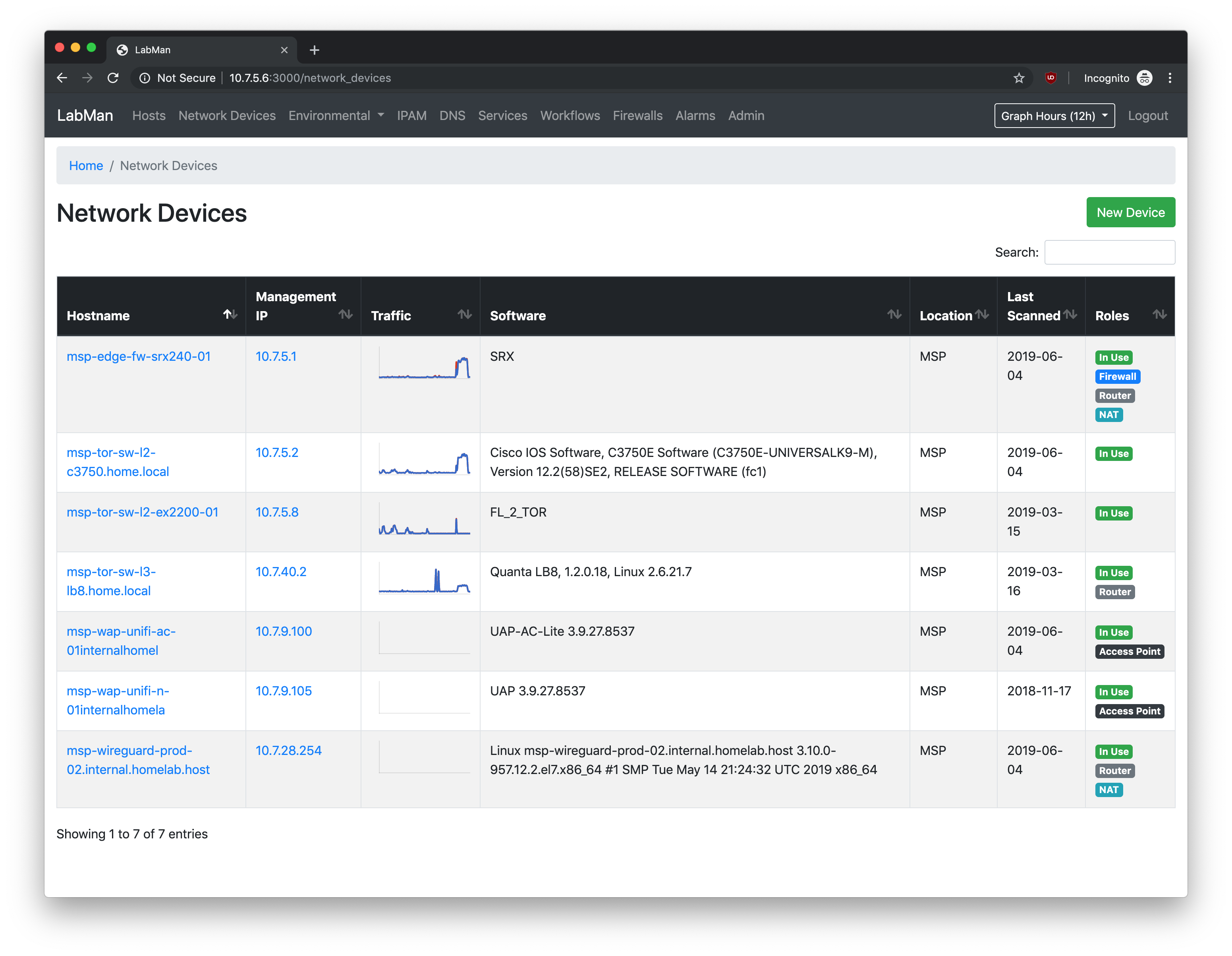
Show dashboard of network devices
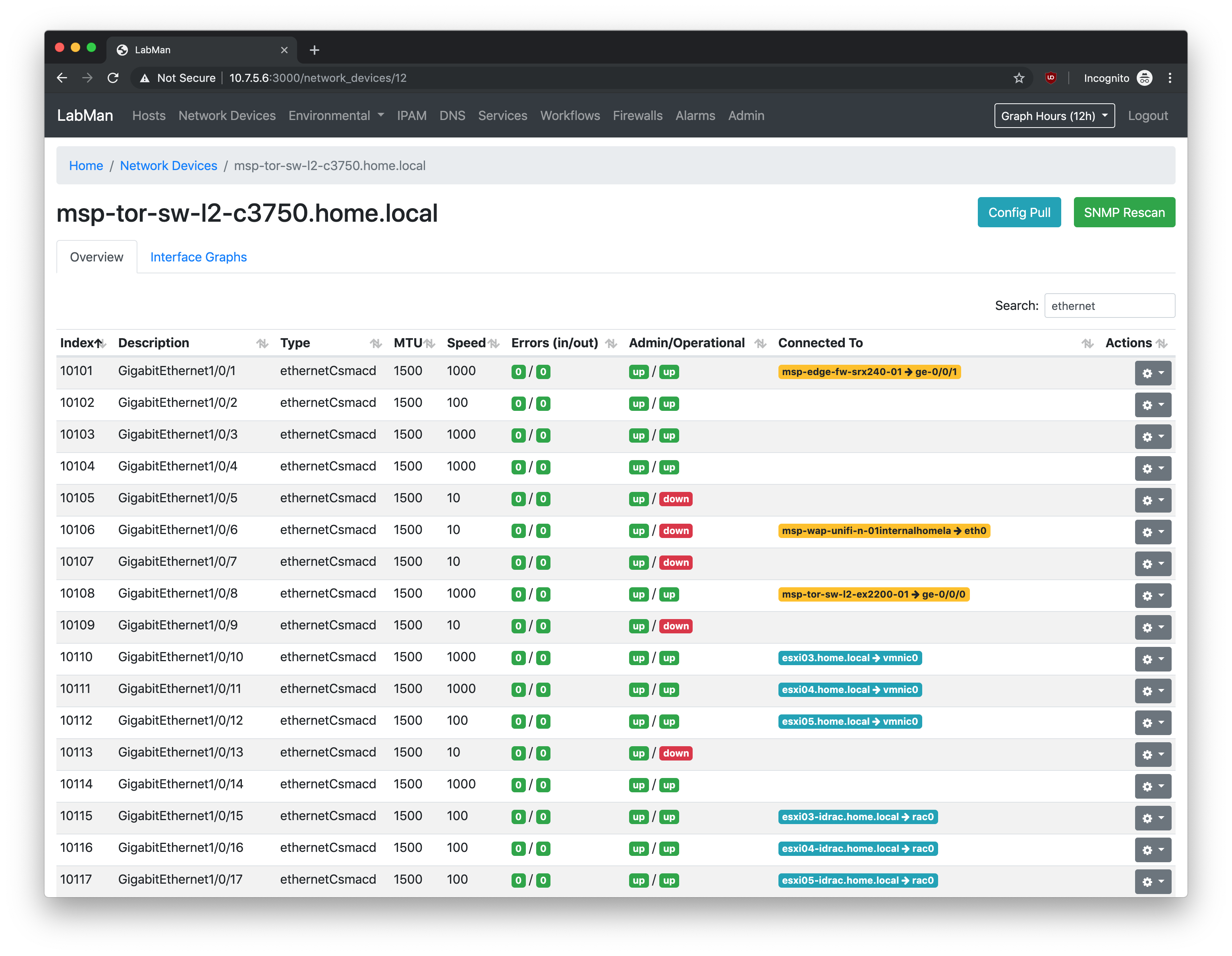
Network Devices - Interfaces
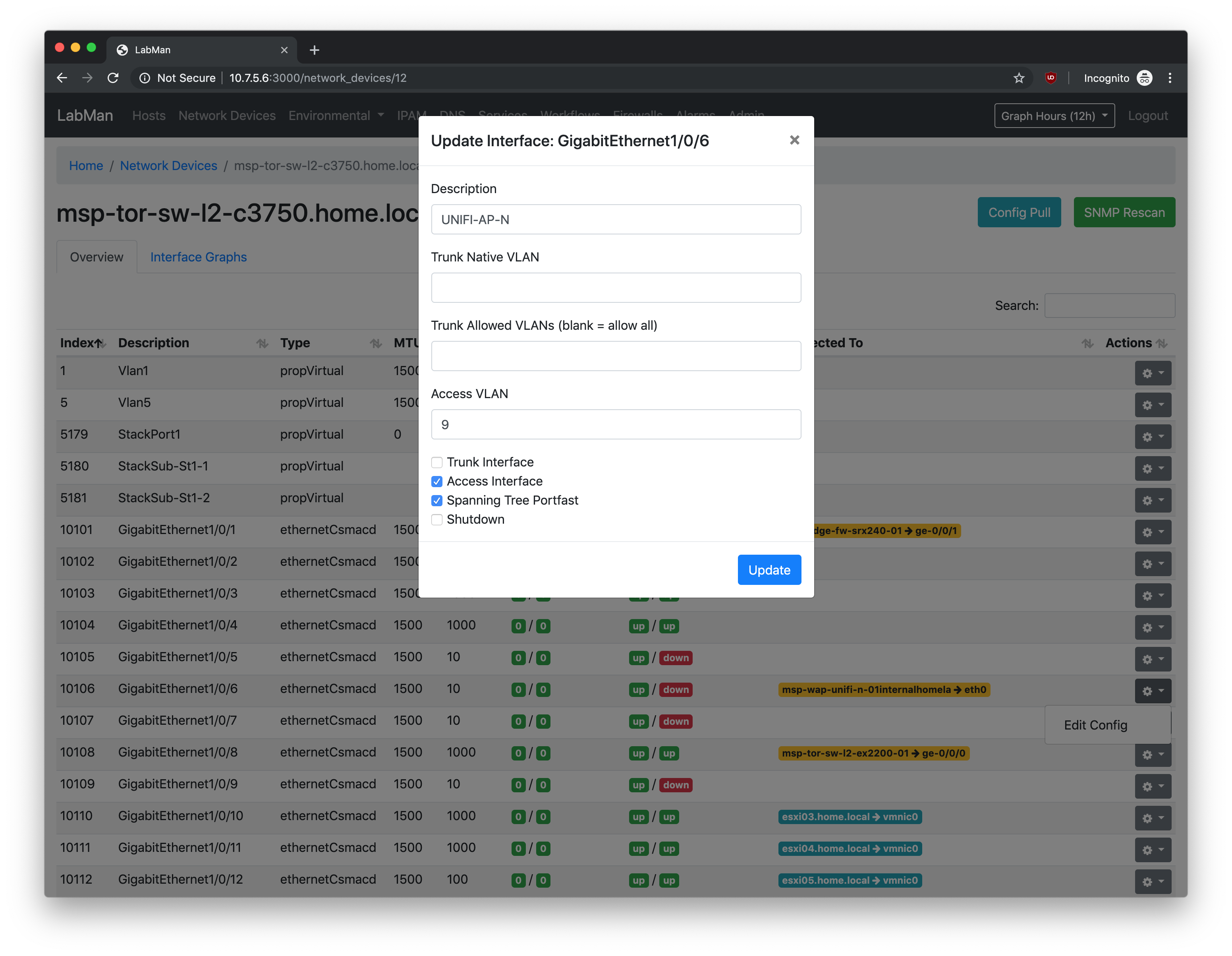
Show interfaces, connections, and even update the configuration of an interface (Cisco devices supported right now)
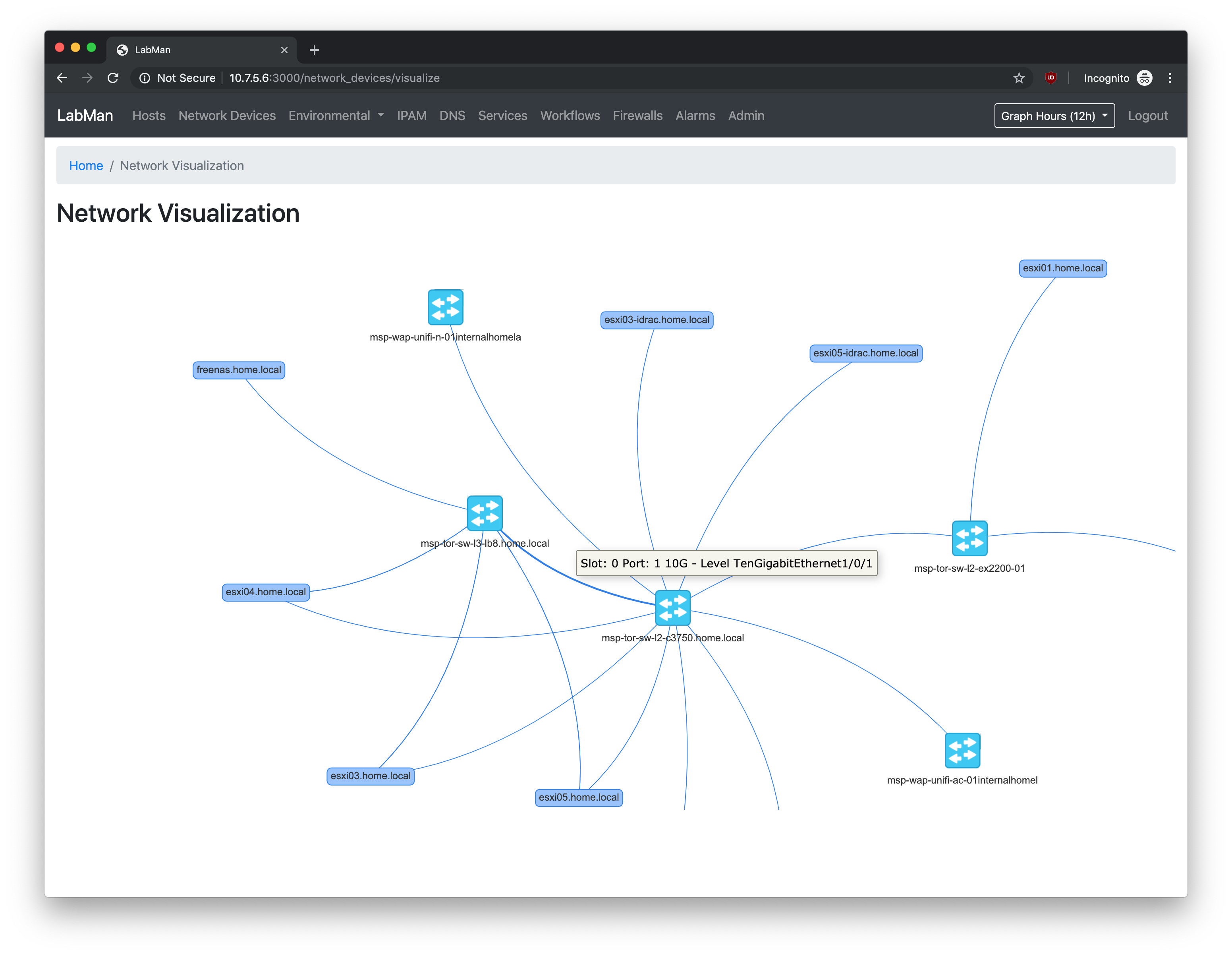
Network Devices - Visualization
Show connections between physical devices
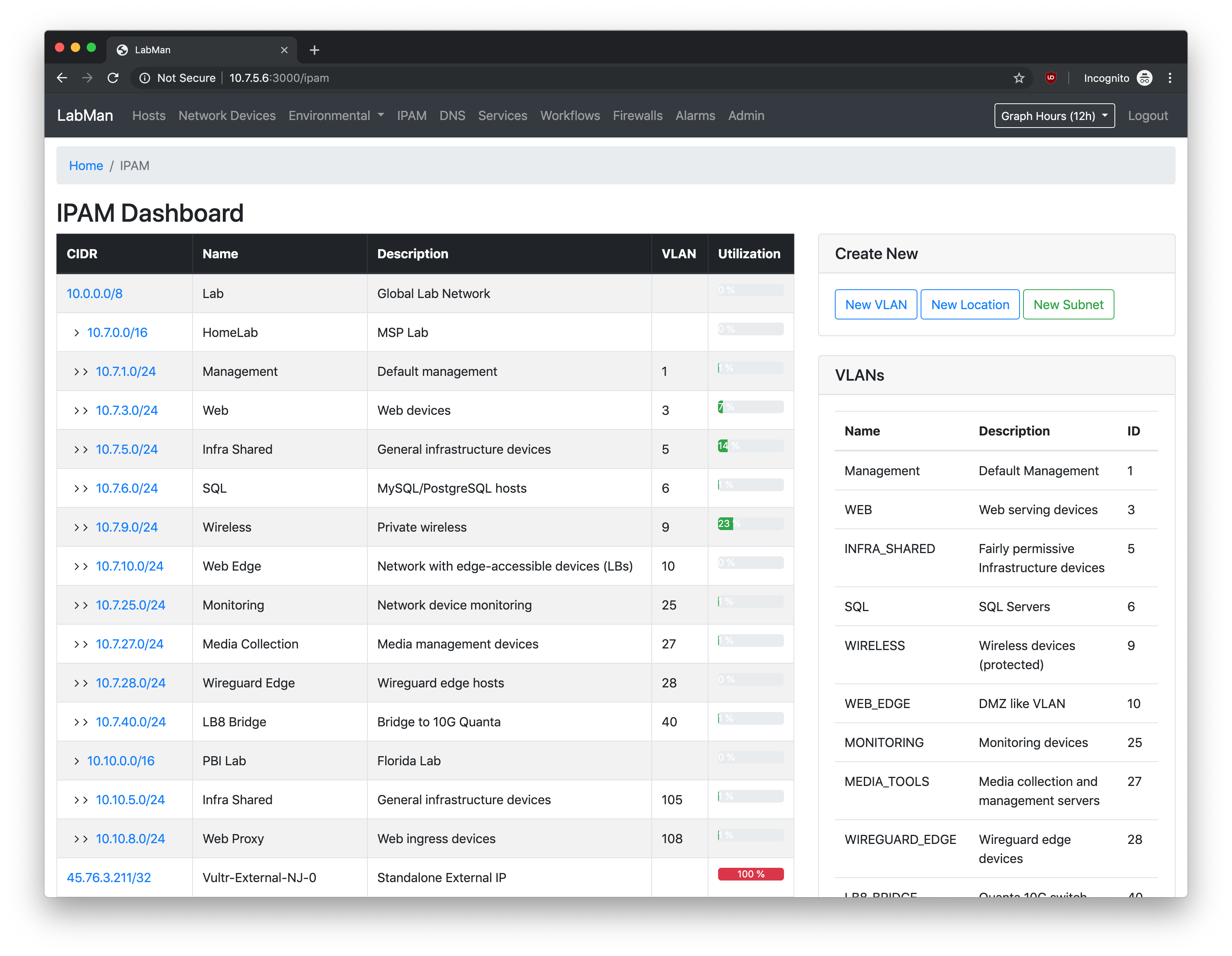
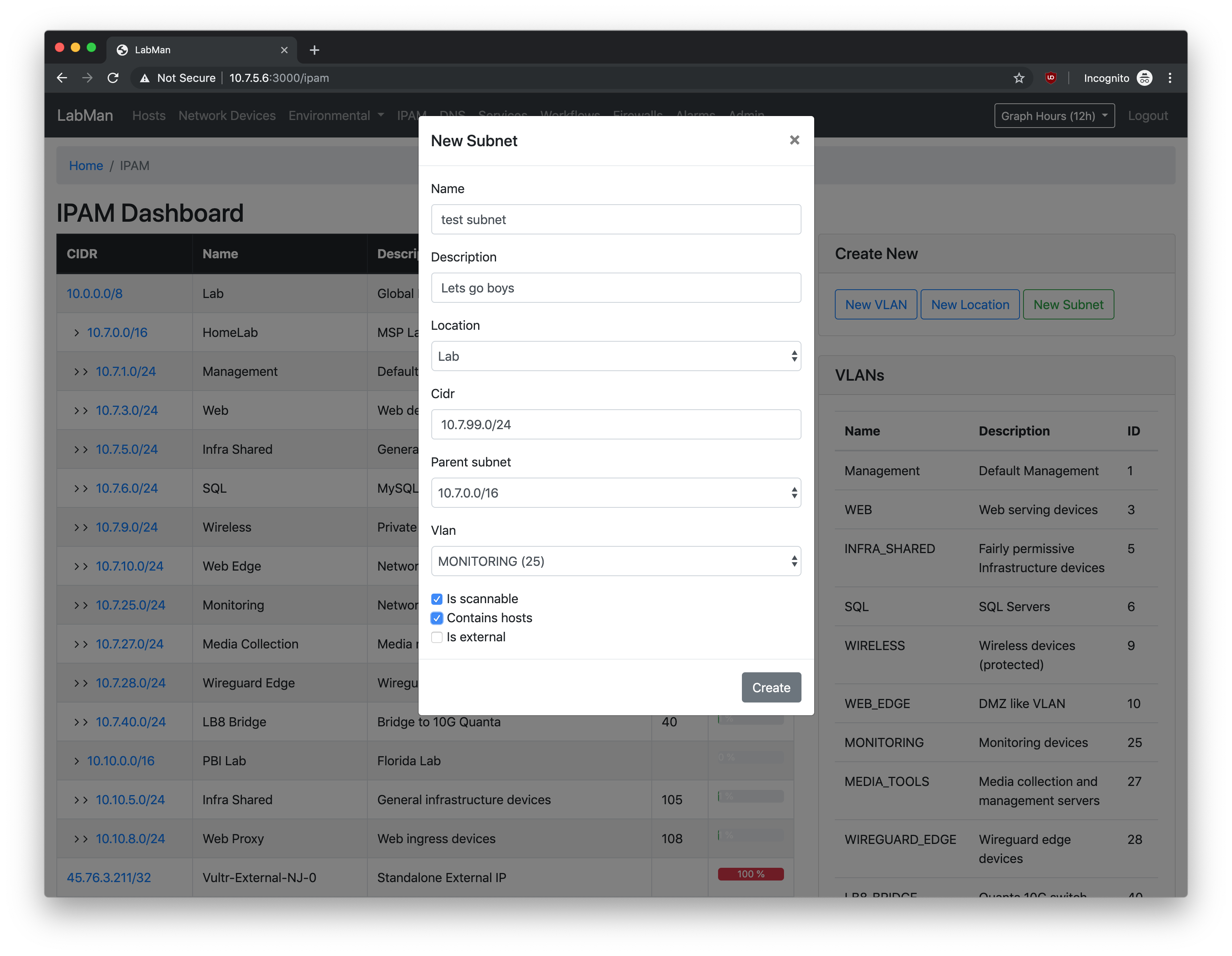
IPAM
Show subnets in parent-child view, VLANs, and utilization
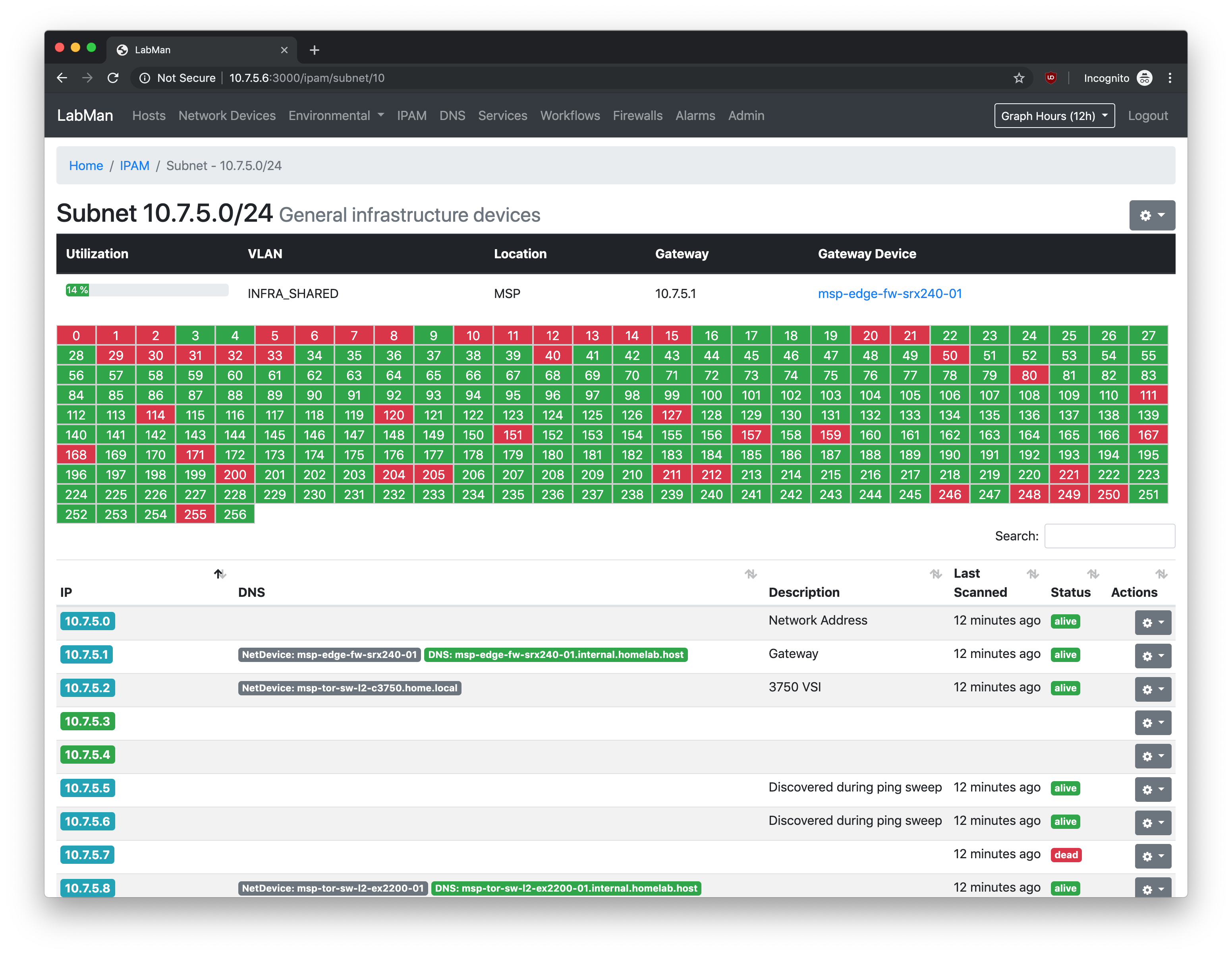
IPAM - Subnet View
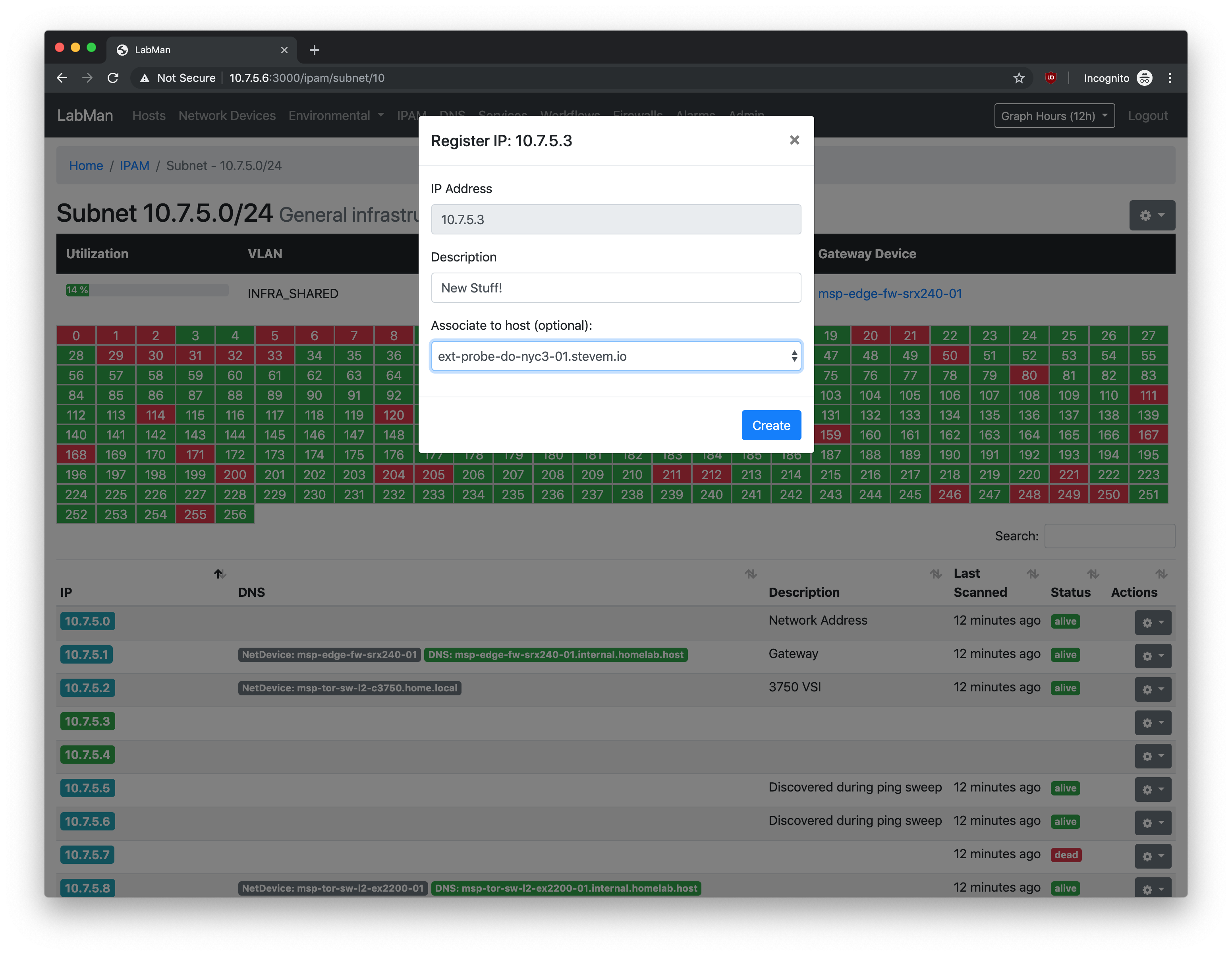
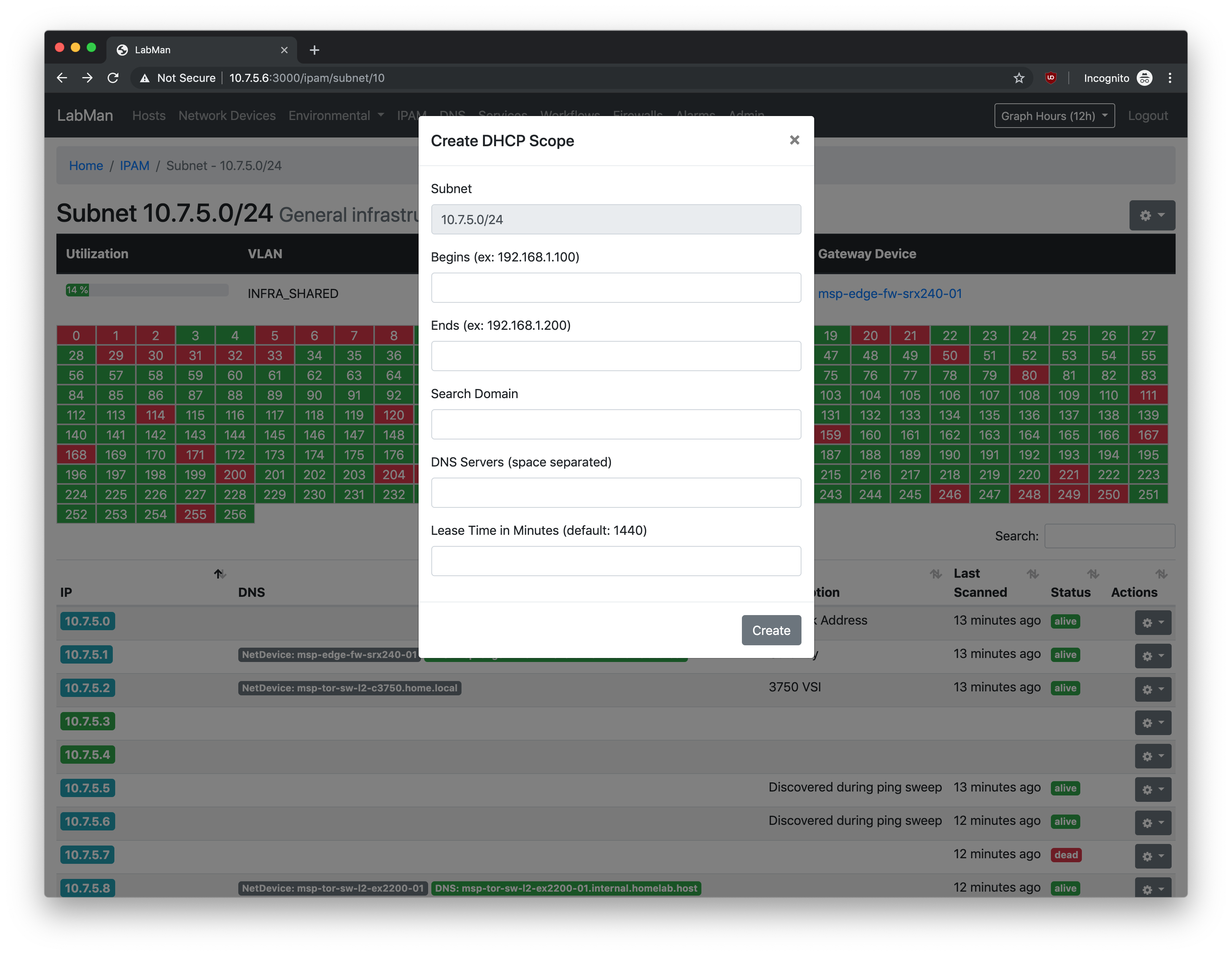
Show subnet details, utilization, hosts, DHCP scopes, etc. Subnets are automatically swept to detect new hosts. IP, Host, DNS, and Network Device objects are displayed to associated IPs.
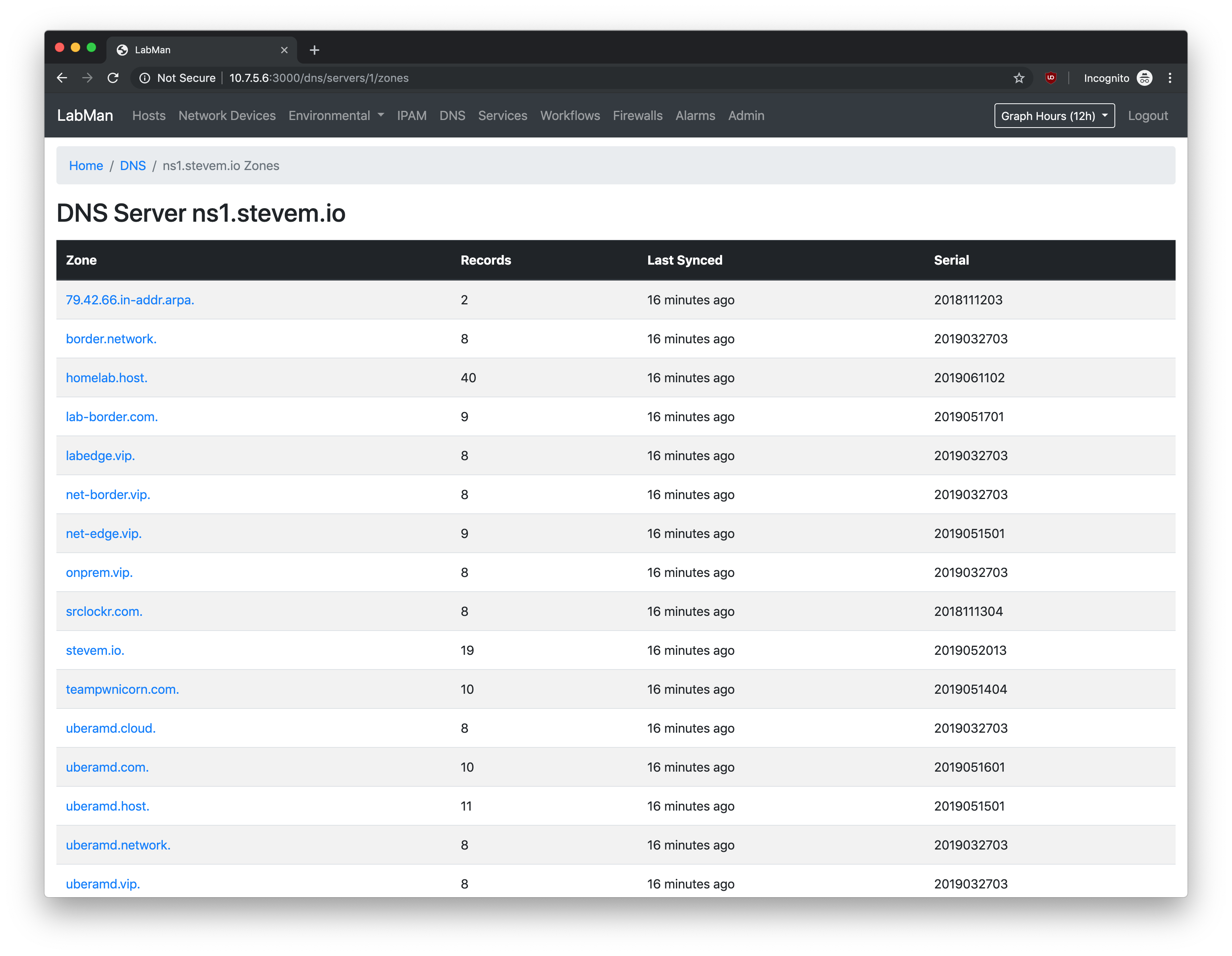
DNS - Server View
Show all zones on a DNS server
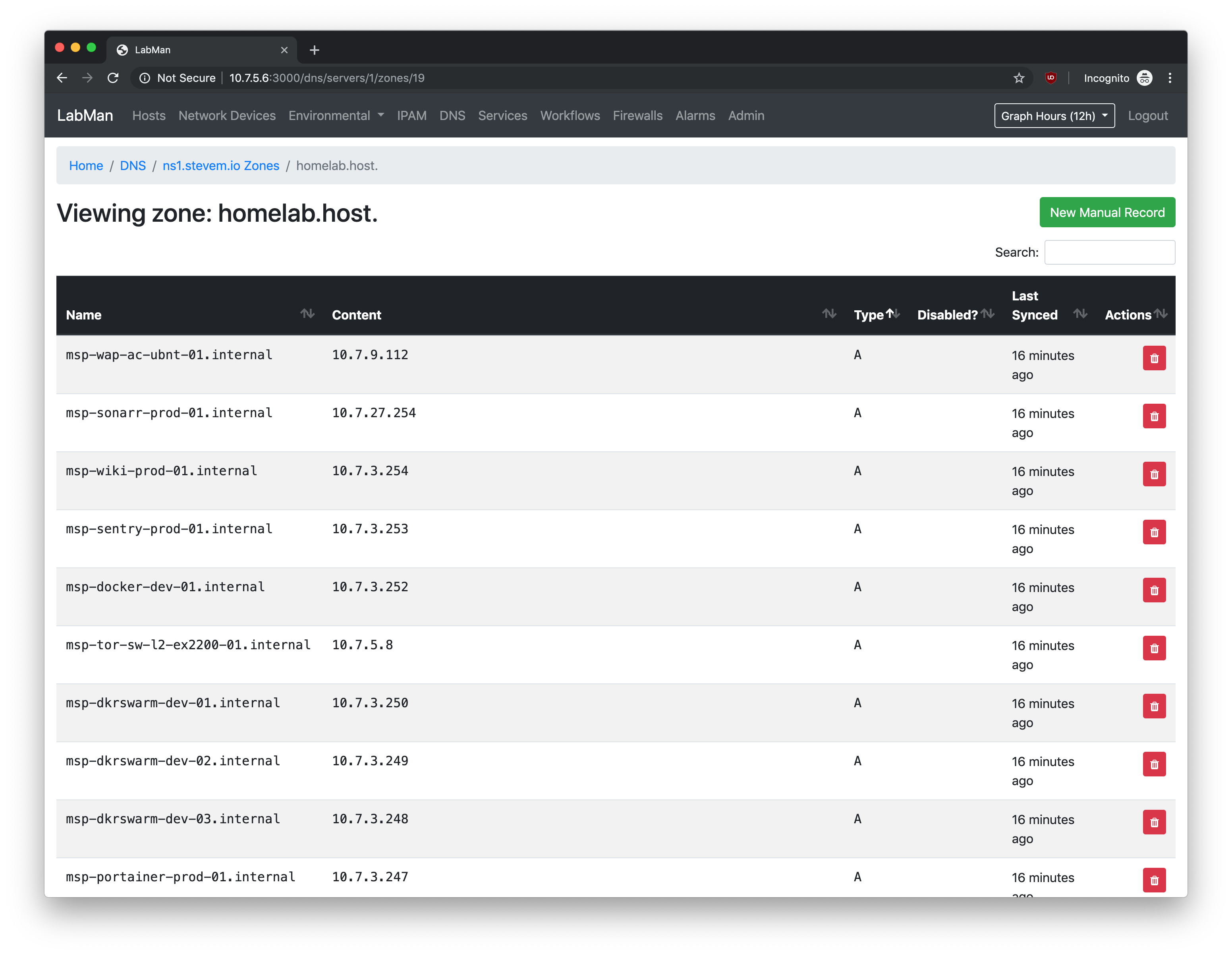
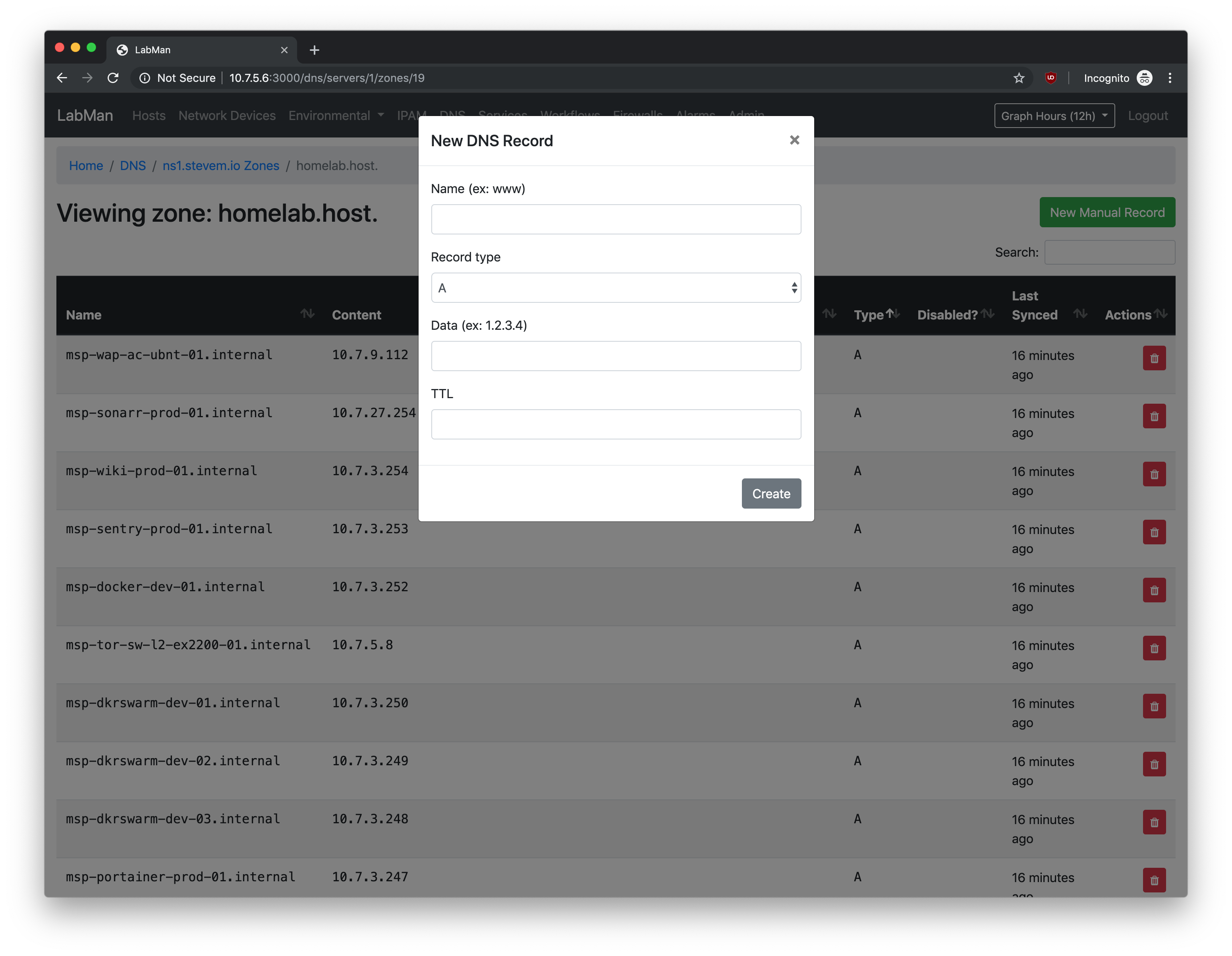
DNS - Zone View
Show records for a DNS zone, create new records, delete stale records.
Services
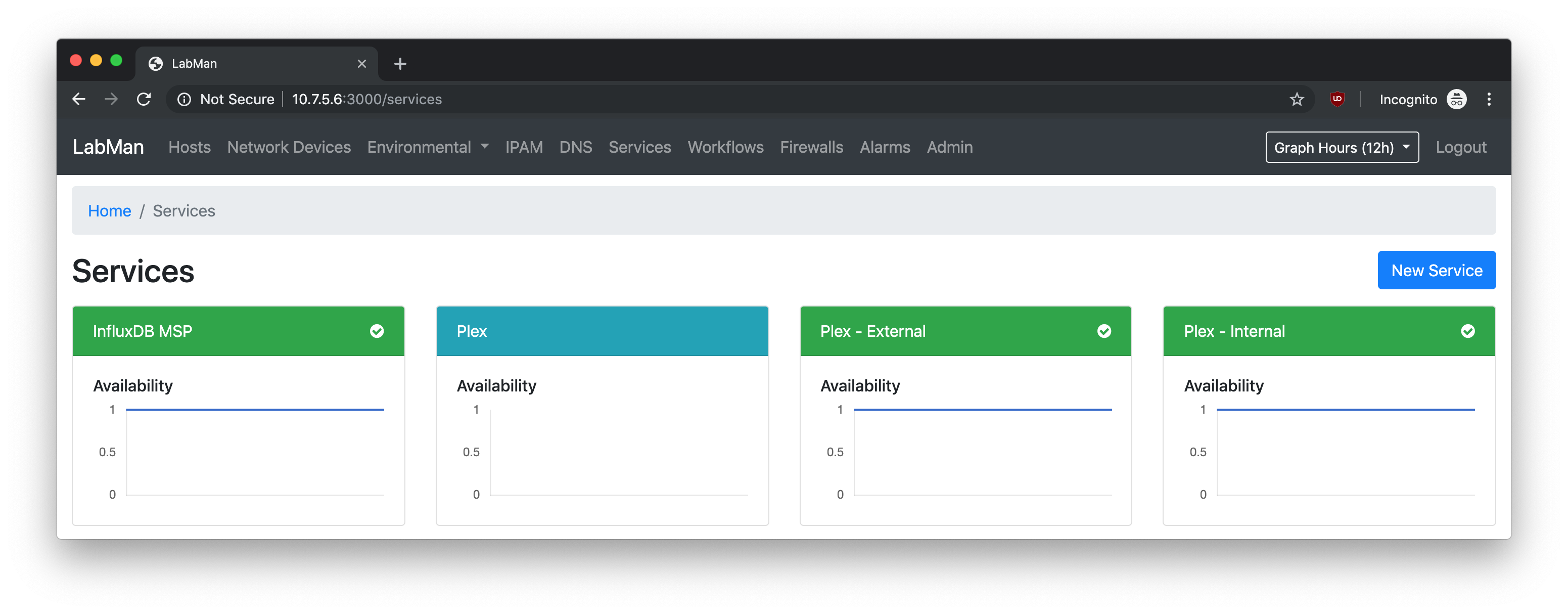
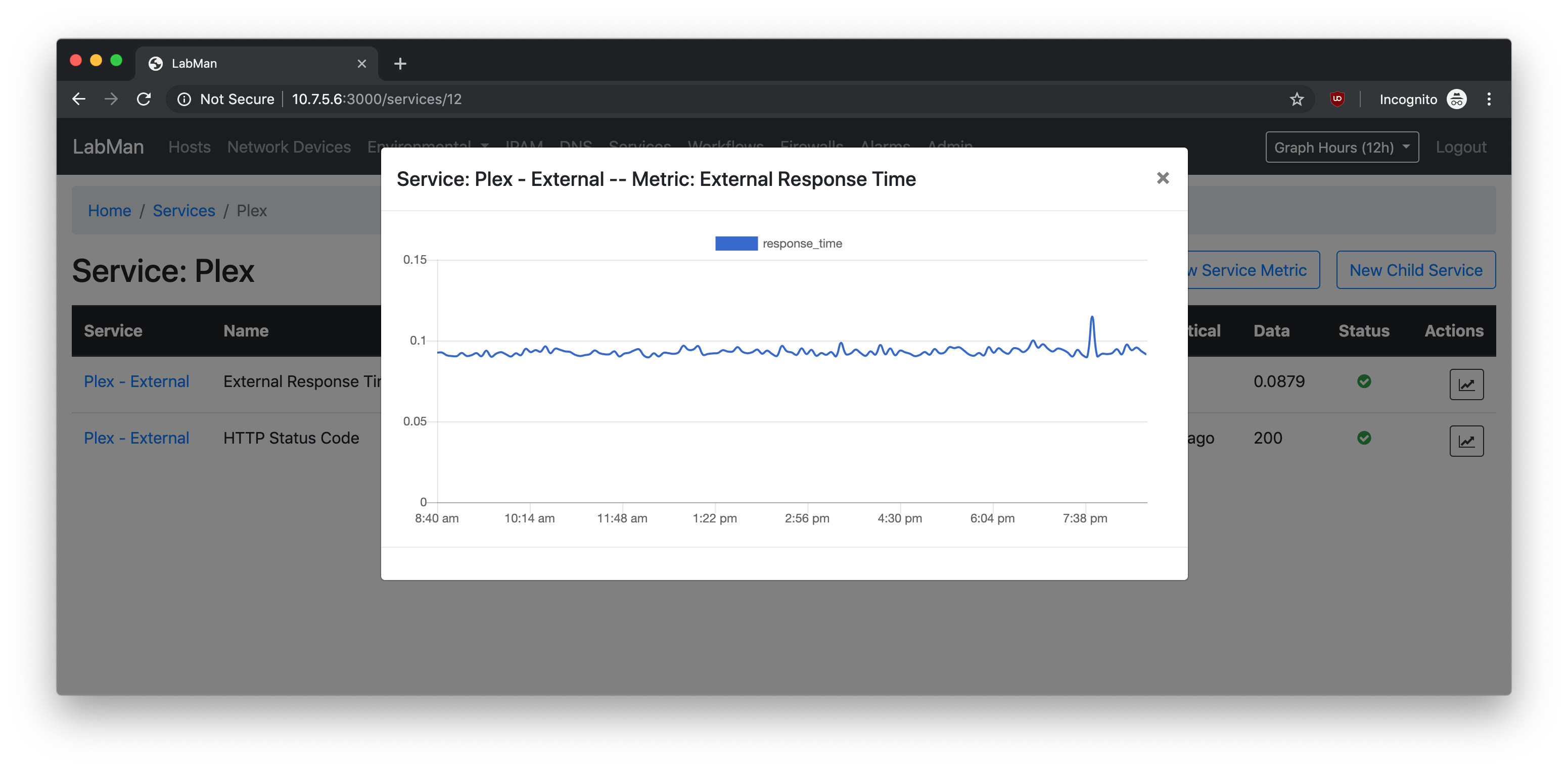
List services and their availability
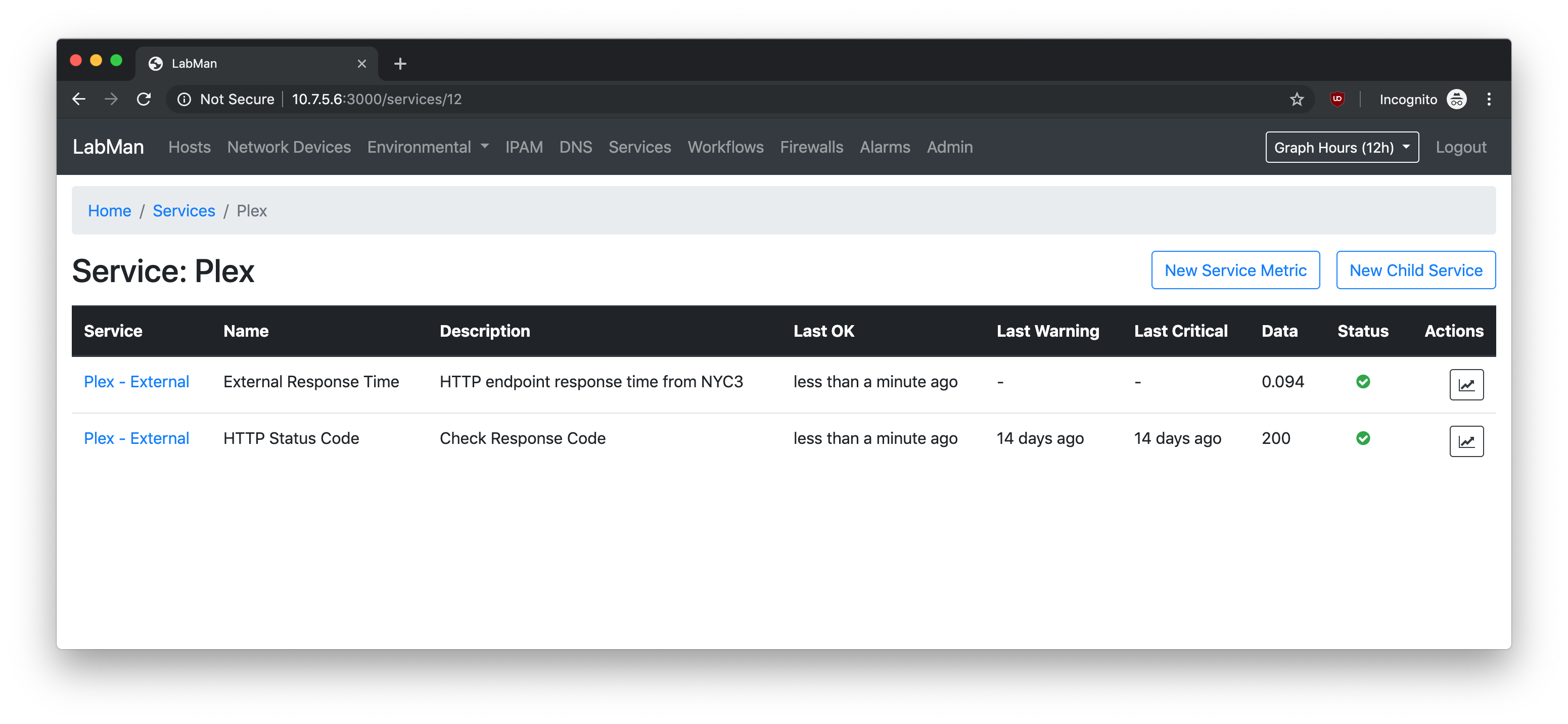
Services - Parent Service with Children
Show a service, and subservices, with their health status
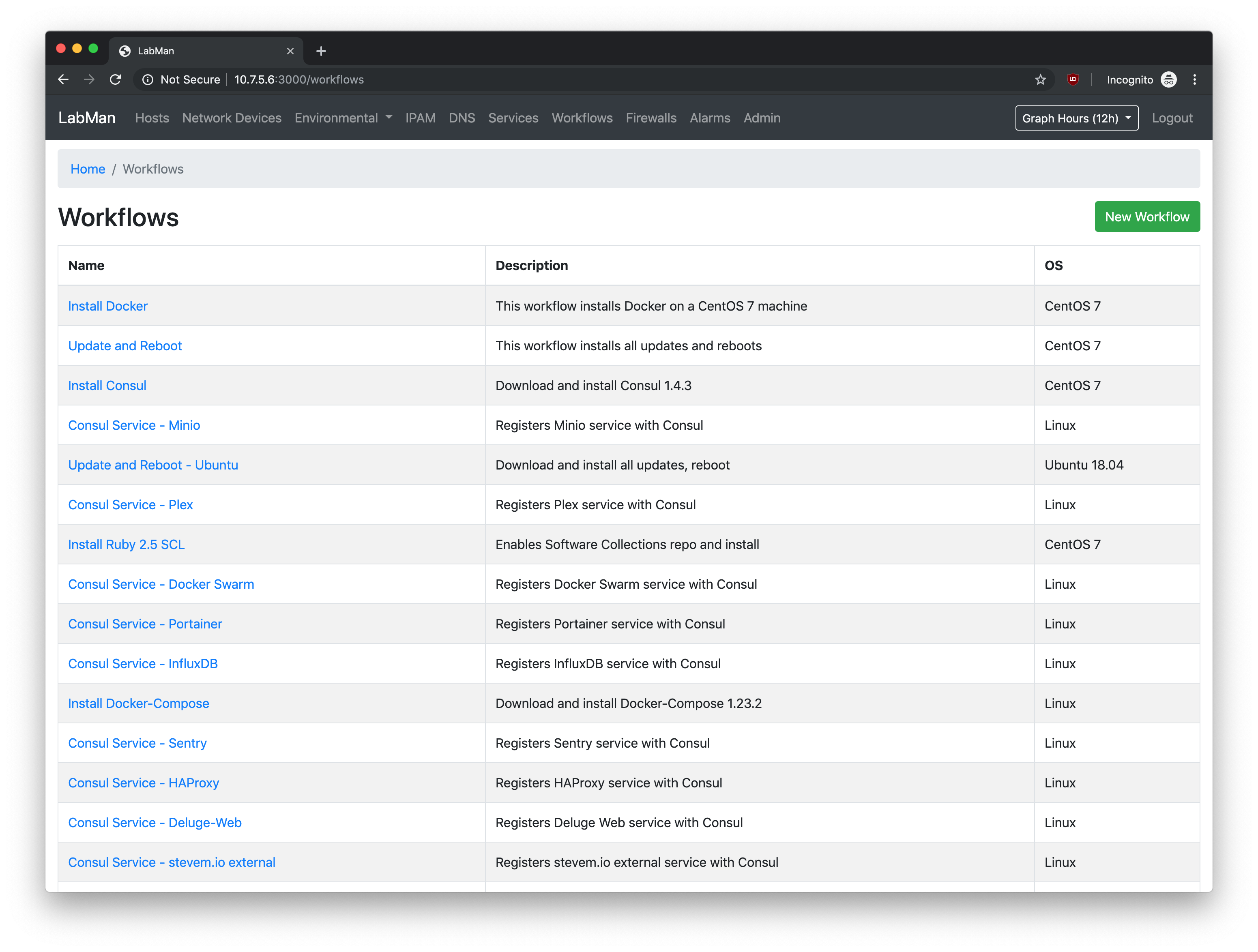
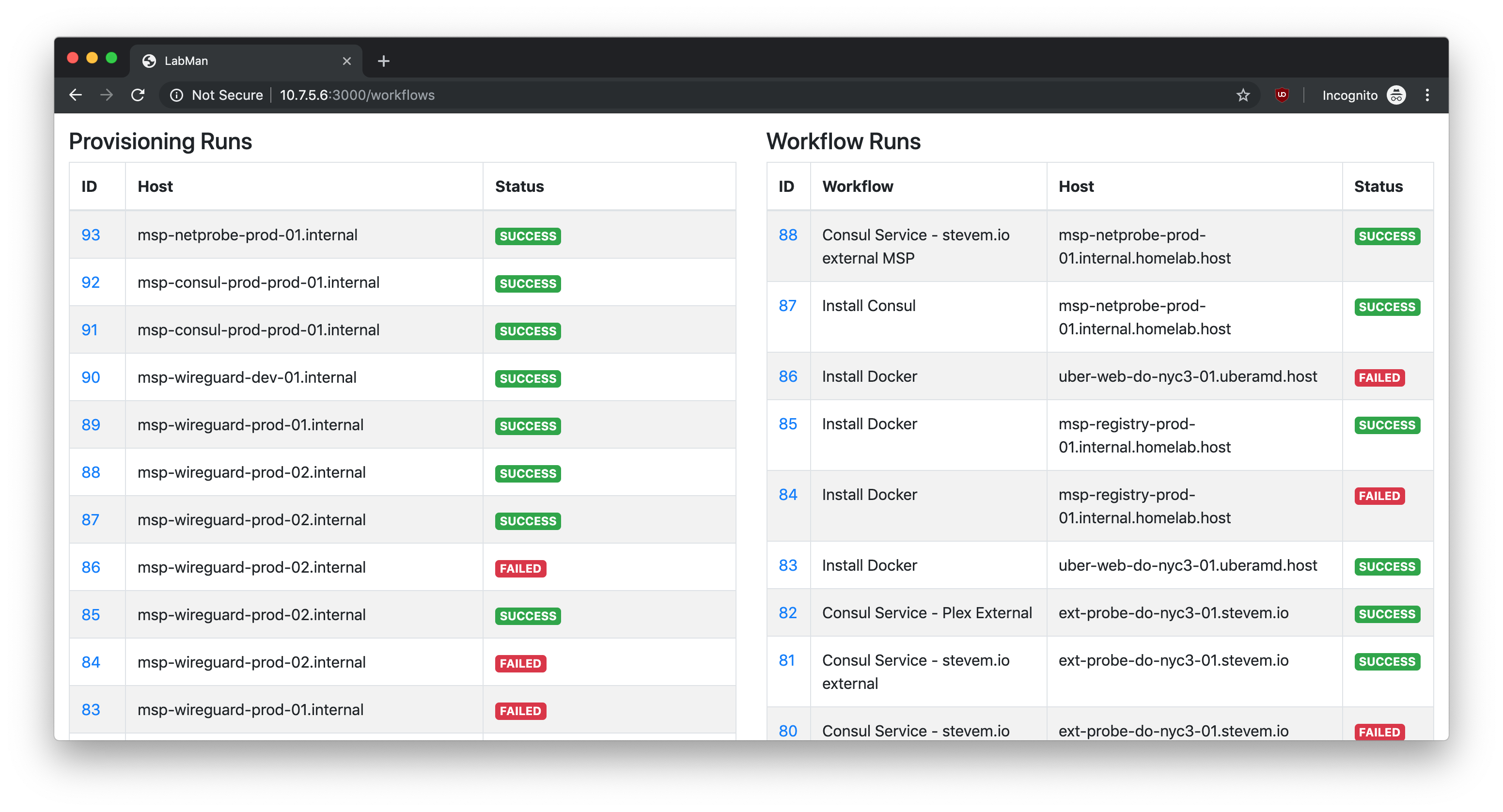
Workflows
Shows workflows that have been created, as well as lists workflows that have been run. This includes host provisioning.
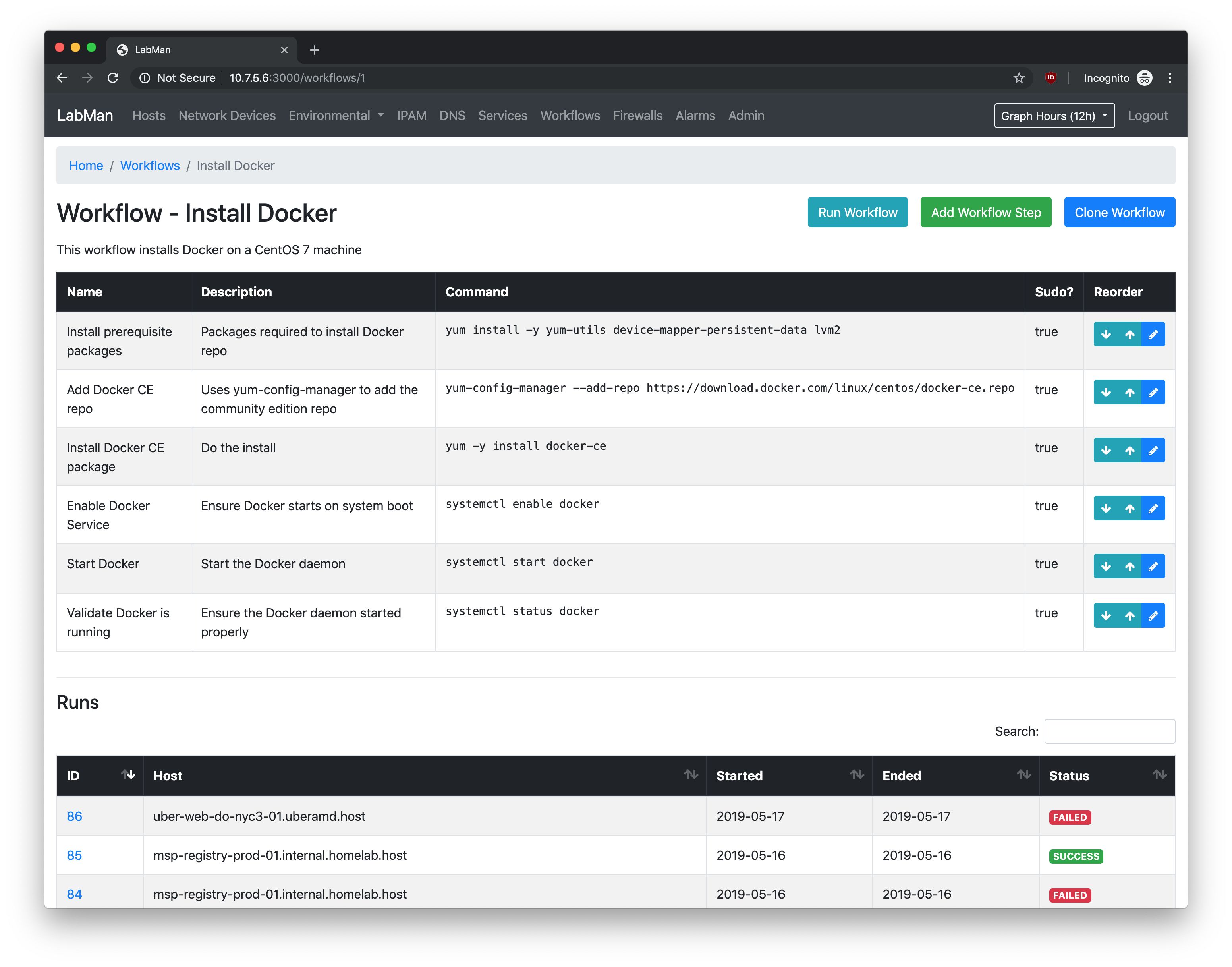
Workflows - Create Workflow
Create a workflow by defining steps to perform against a host.
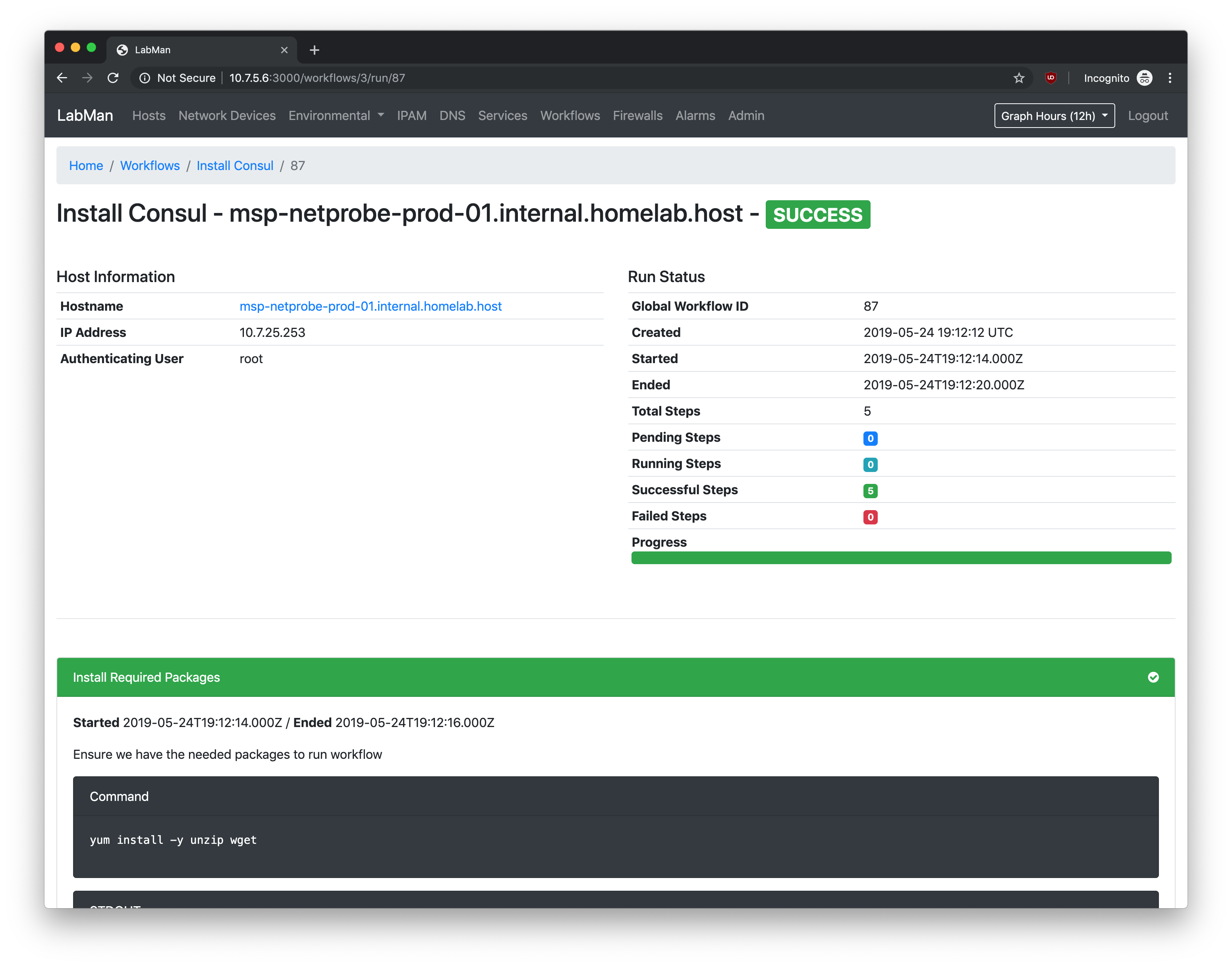
Workflow - Run Example
Install Consul workflow run example
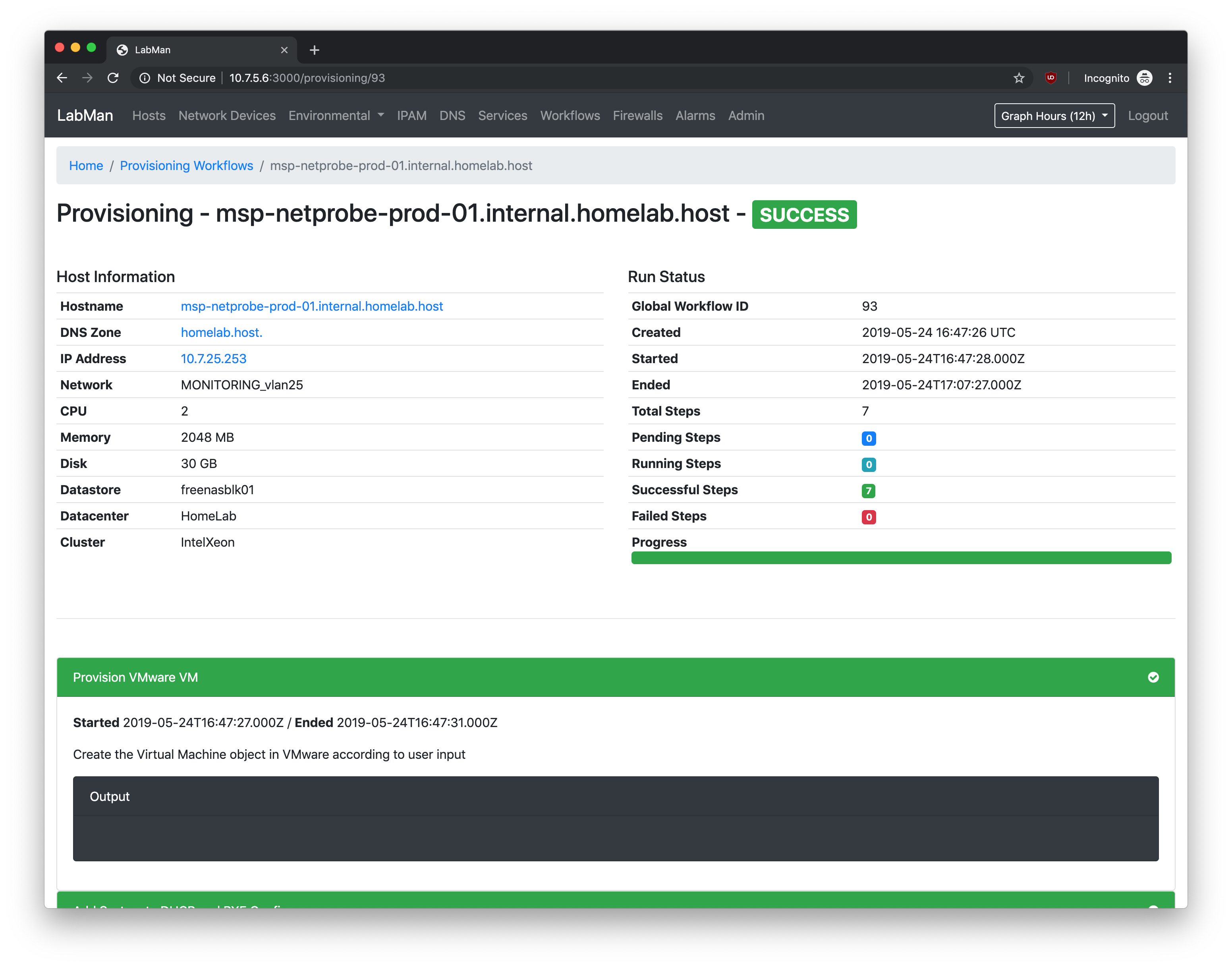
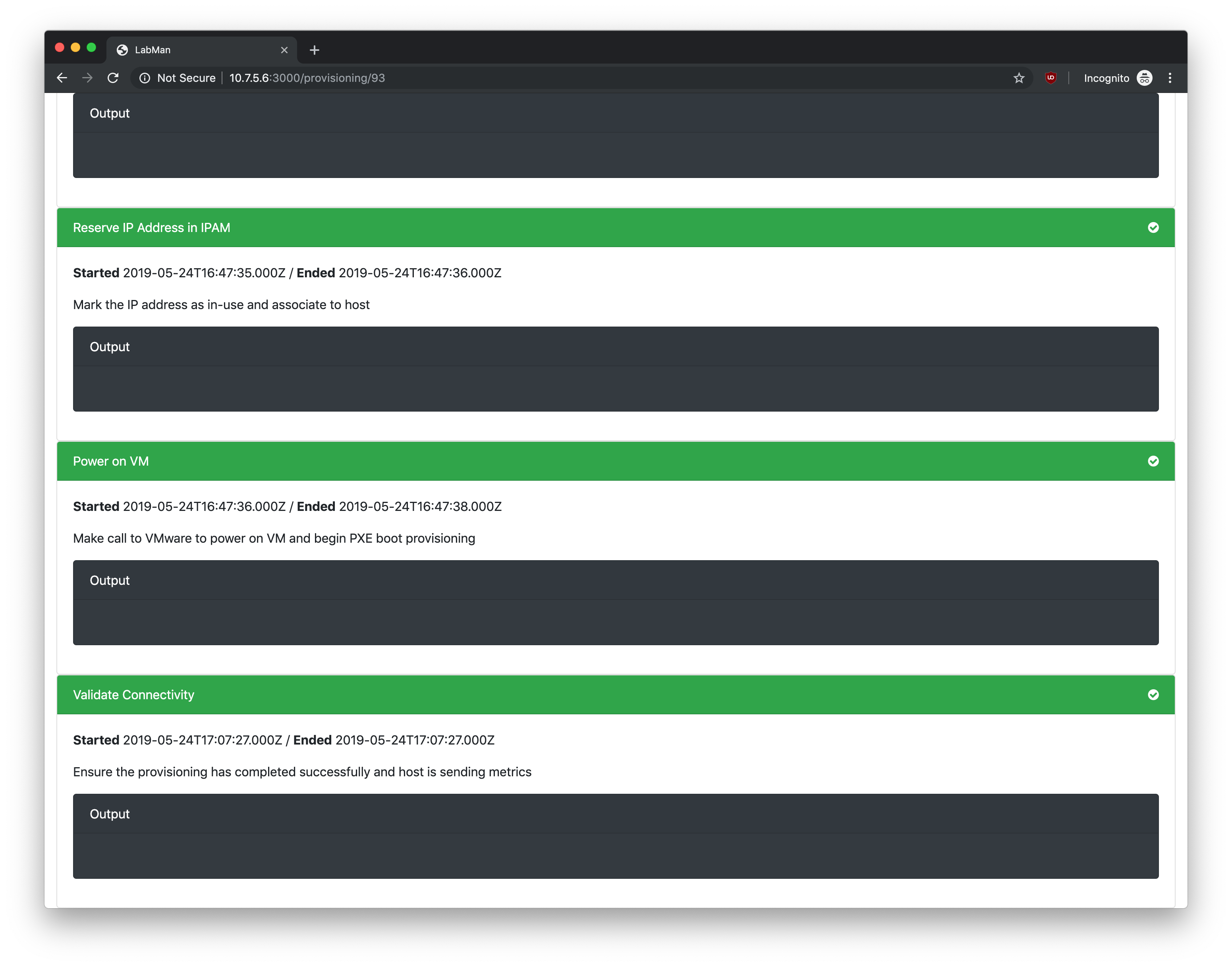
Workflow - Provision Host
Example host provisioning workflow run. Creates DHCP entry, DNS record, PXE boots, configures, validates connectivity.
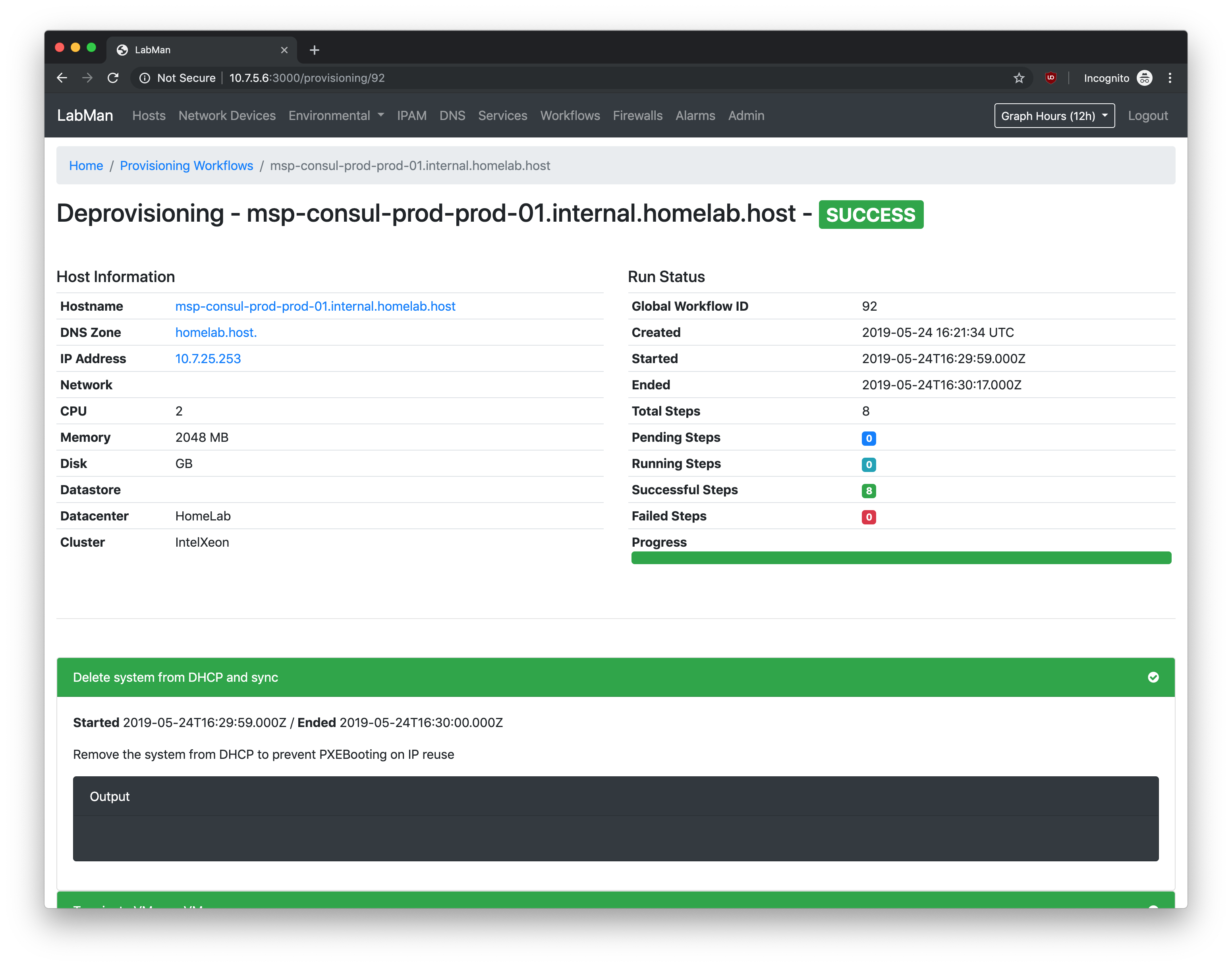
Workflow - Deprovision Host
Destroys VM, removes DHCP static record, removes DNS record.
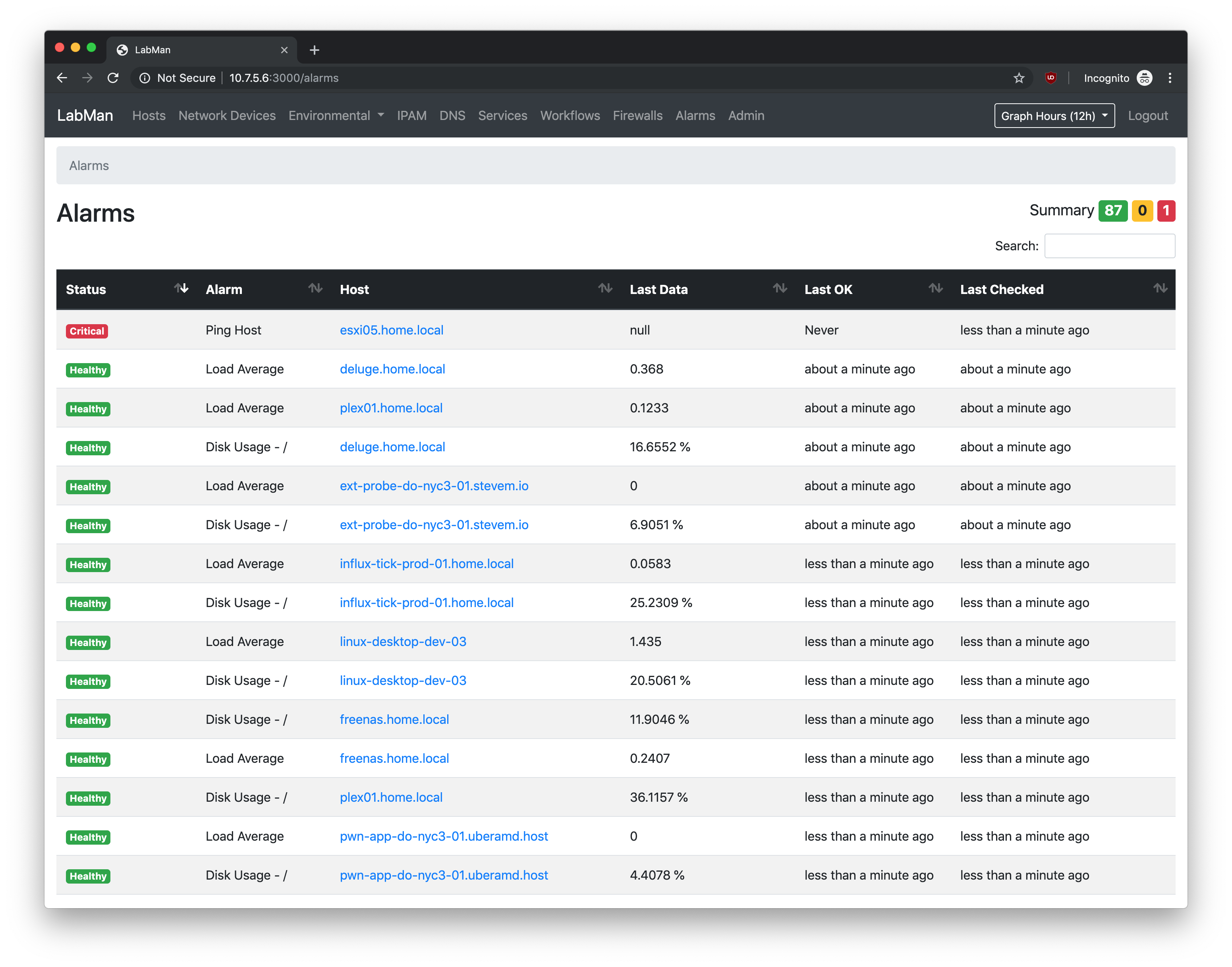
Alarms
Shows all alarms and their current state. Alarm notifications are sent through slack.
Alarms - Single alarm view
Shows a single alarm, current state, and history